AWS
AWS Microsoft Azure
 Google Cloud

10 Best Azure Cost Optimization Tools Reviewed
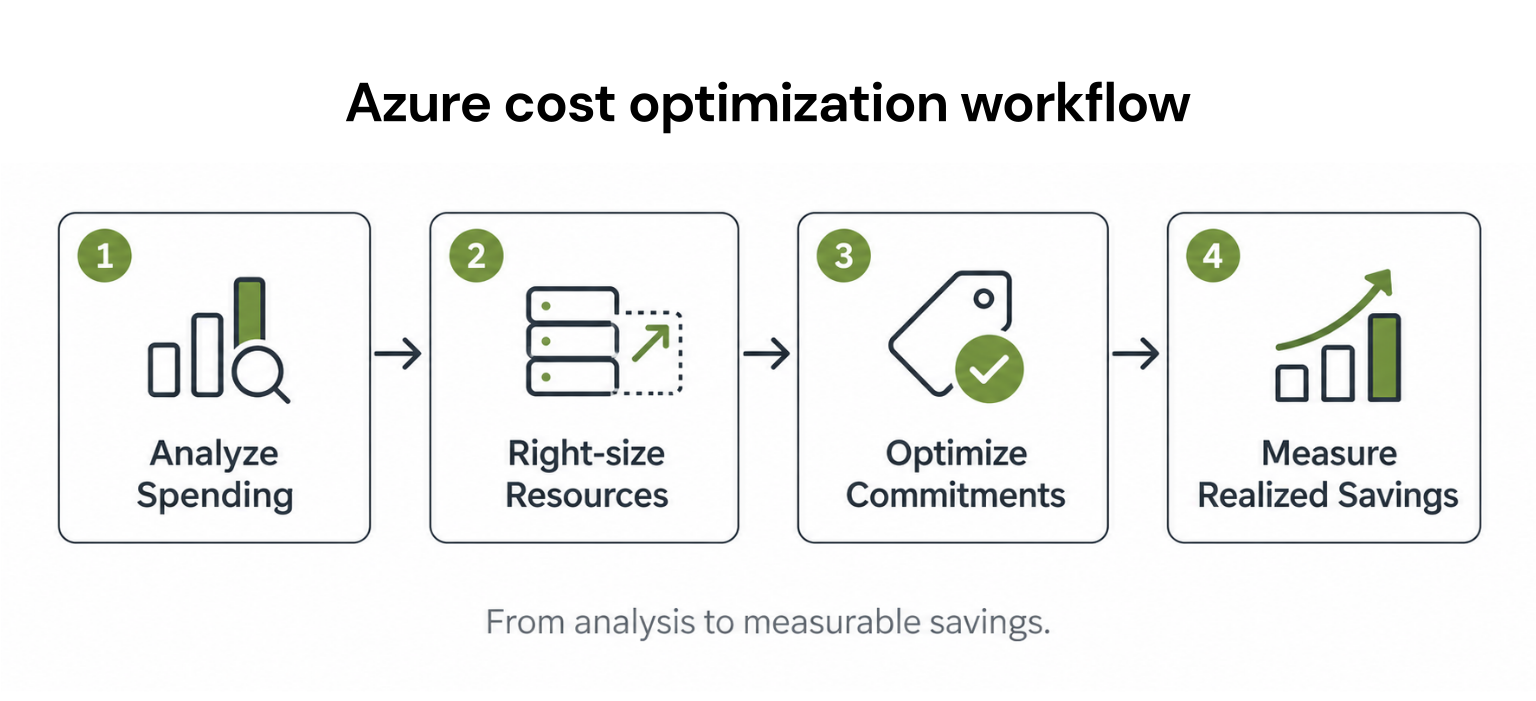
Azure cost optimization tools solve different problems, from tracking spending and rightsizing resources to automating commitments and allocating Kubernetes costs. Here are 10 options, including their key features, advantages, limitations, and pricing.
1. Usage.ai: Best for Azure Commitment Optimization
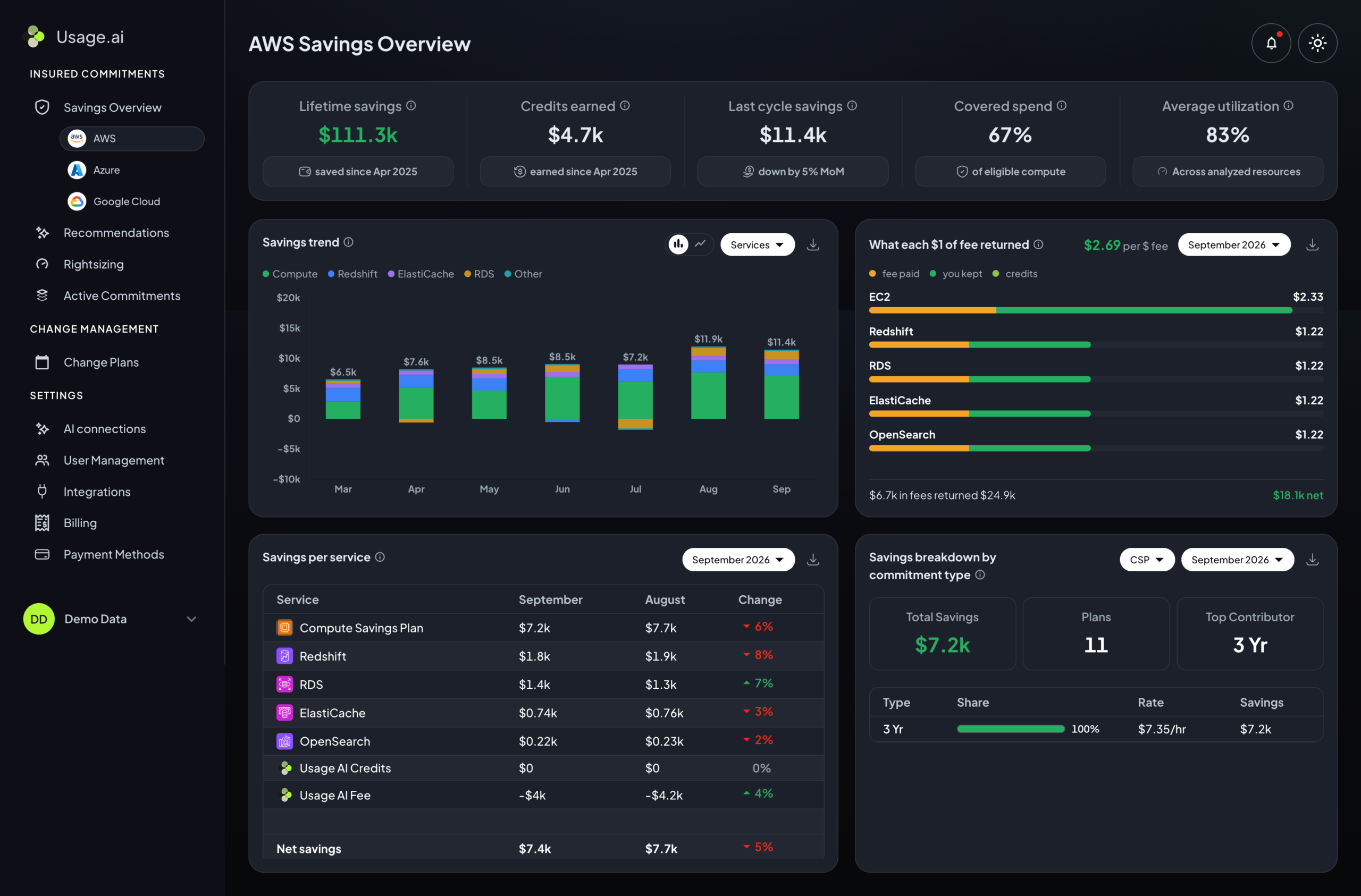
Usage.ai helps businesses optimize eligible Azure Reservations and Savings Plans through automated purchasing, coverage monitoring, and ongoing commitment management.
Key features:
- Autopilot: Automates supported commitment purchases within configured controls.
- CoPilot: Lets teams review recommendations before purchasing.
- Flex Commitments: Provides conditional Cashback protection for qualifying commitments.
Pros: Reduces manual purchasing work while maintaining approval controls.
Cons: Focuses on commitments rather than direct infrastructure changes; Flex protection has eligibility restrictions.
Pricing: Share of realized savings for applicable services.
Bottom line: Best for teams that want automated Azure commitment management with purchasing controls.
2. Microsoft Cost Management: Best for Azure Spending Visibility
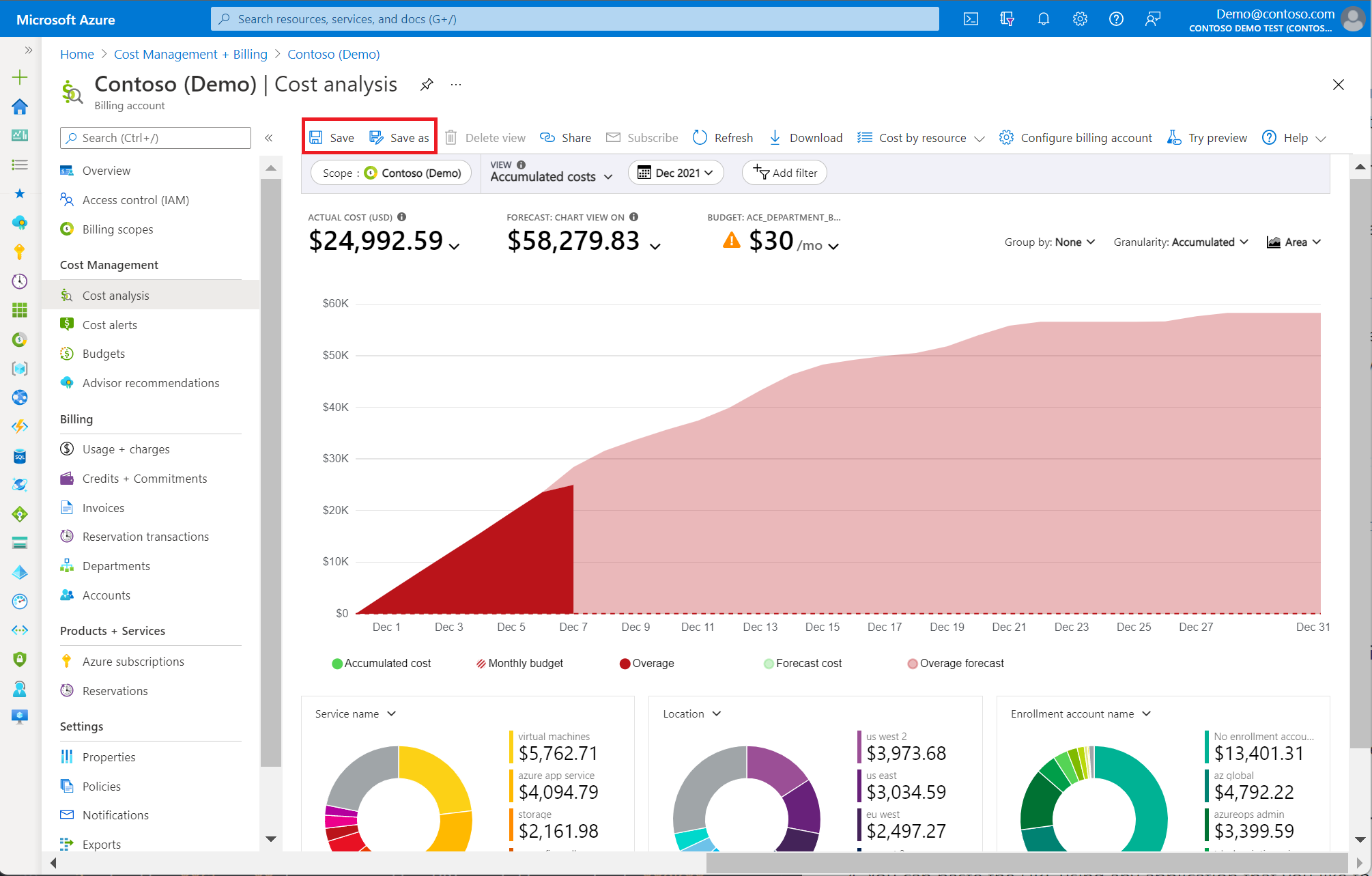
Microsoft Cost Management helps teams analyze Azure billing data, track spending trends, and manage budgets directly within the Azure environment.
Key features:
- Cost analysis: Breaks down spending by service, subscription, and resource group.
- Budgets: Tracks spending against configured thresholds.
- Exports: Provides billing data for external reporting.
Pros: Native Azure billing visibility with included core capabilities.
Cons: Most optimization actions still require manual implementation.
Pricing: Core capabilities are included; related services may incur charges.
Bottom line: Best starting point for understanding where your Azure budget is going.
3. Azure Advisor: Best for Free Rightsizing Recommendations
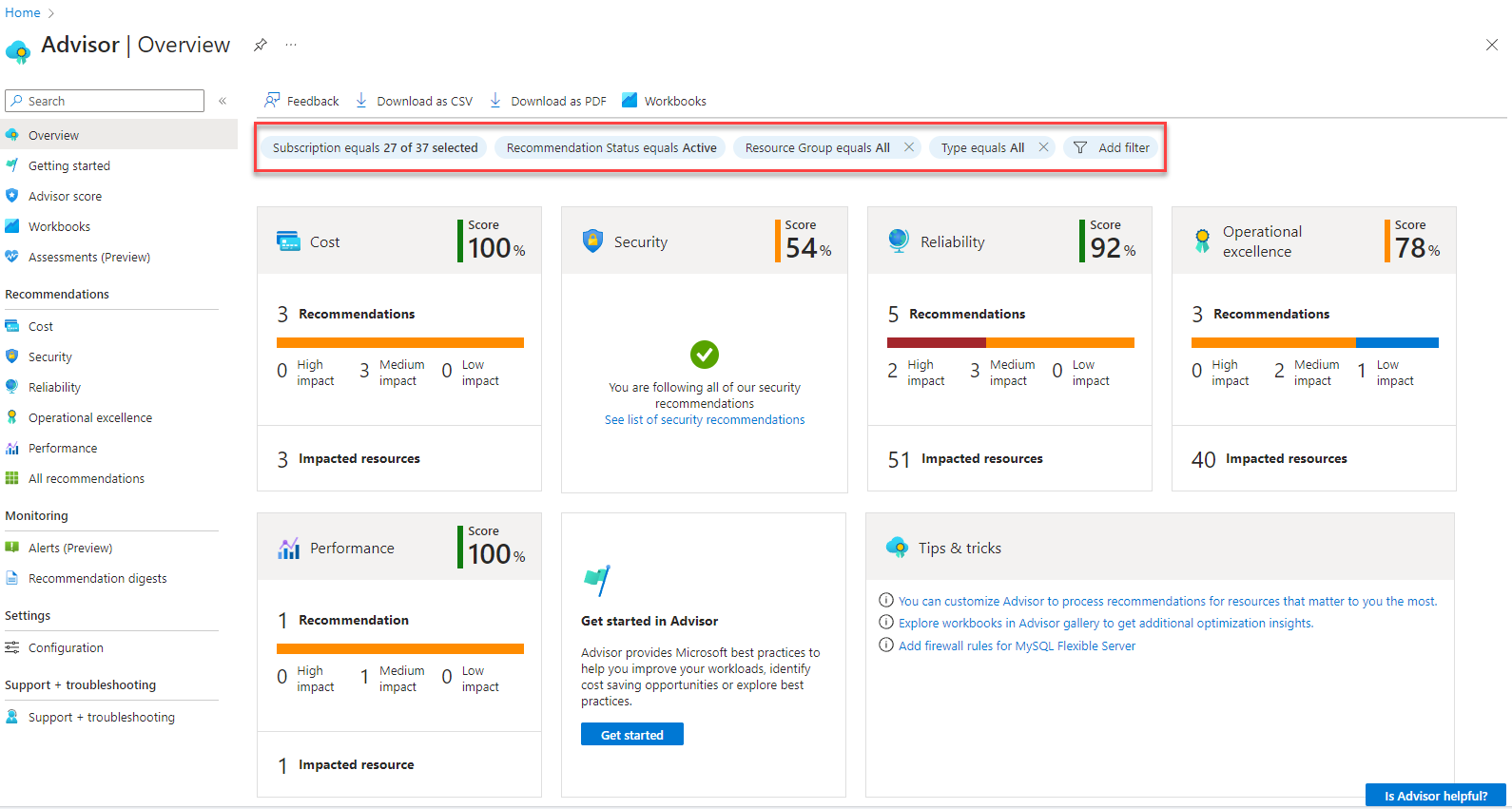
Azure Advisor analyzes supported Azure resources to identify potential savings from underutilized VMs, commitment purchases, and configuration improvements.
Key features:
- VM rightsizing: Identifies potentially oversized virtual machines.
- Reservations: Highlights eligible commitment opportunities.
- Recommendations: Provides guidance across cost, performance, and reliability.
Pros: Free recommendations based on Azure resource data.
Cons: Changes require validation and often manual implementation.
Pricing: Free.
Bottom line: Best for finding straightforward Azure resource optimization opportunities.
4. ProsperOps: Best for Automated Azure Discount Management
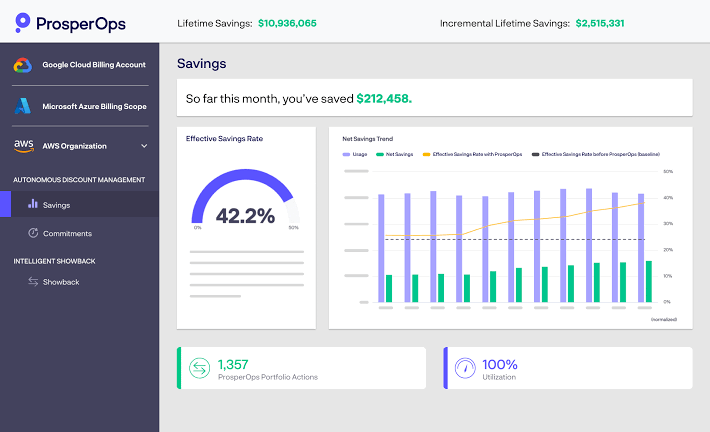
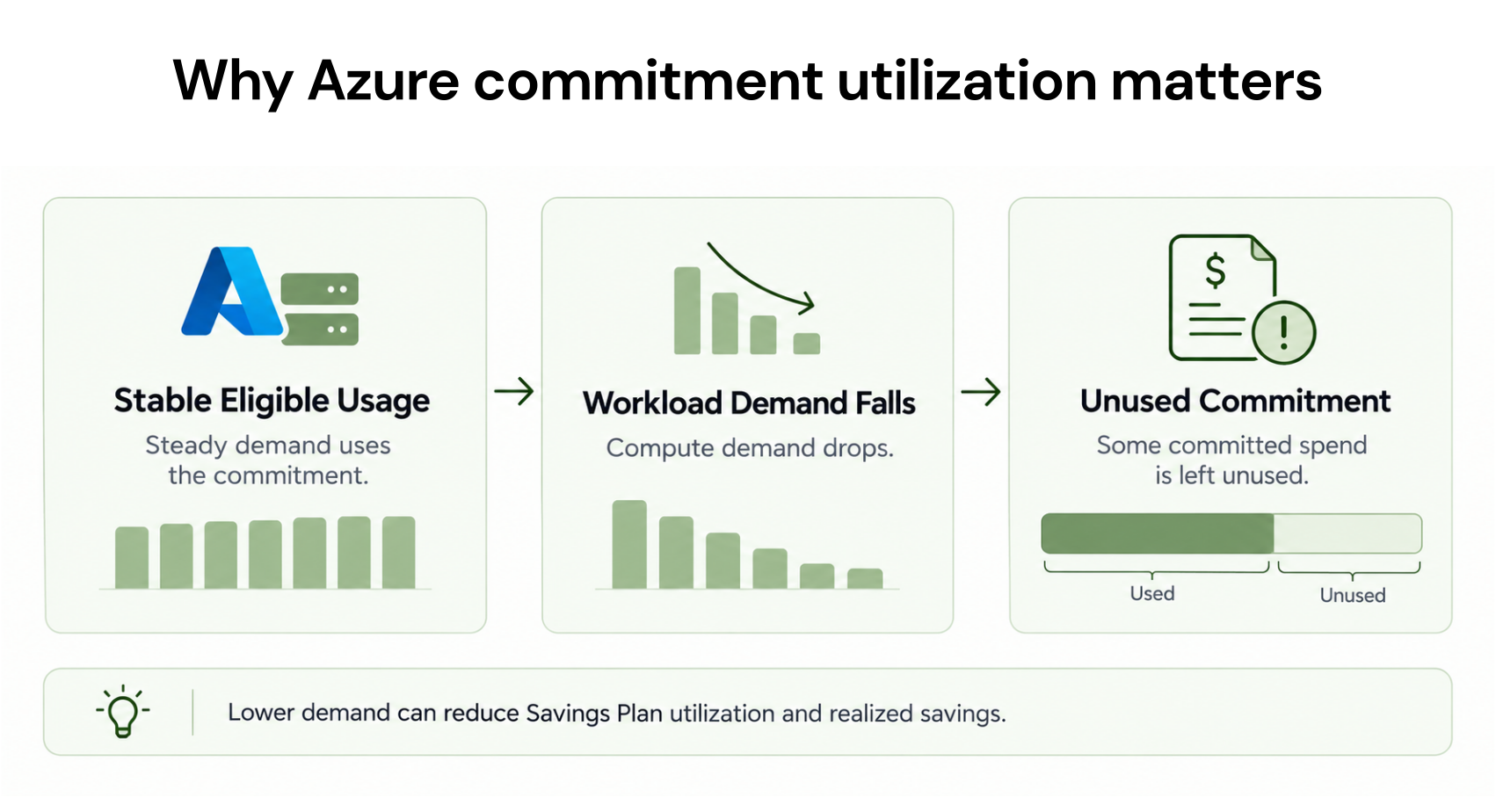
ProsperOps automates supported cloud commitment management, helping organizations improve discount coverage and reduce manual purchasing decisions as usage changes.
Key features:
- Automation: Manages supported Azure commitment purchases.
- Coverage analysis: Evaluates eligible usage and discount coverage.
- Savings reporting: Tracks commitment management results.
Pros: Reduces ongoing commitment administration.
Cons: Commitment obligations and savings-based fees require evaluation.
Pricing: Savings-based pricing for applicable services.
Bottom line: Best for teams looking to automate cloud discount management.
5. CloudZero: Best for Engineering Cost Intelligence
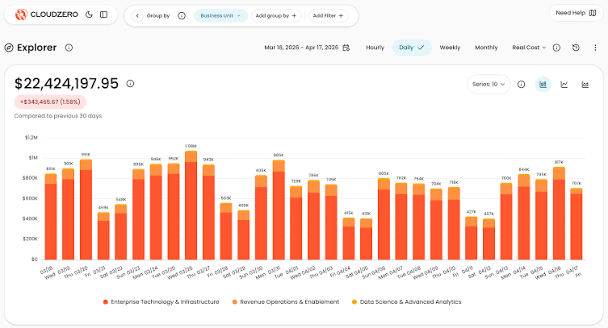
CloudZero connects cloud spending to engineering and business metrics, helping companies understand infrastructure costs by product, customer, or service.
Key features:
- Cost allocation: Attributes spending to engineering and business dimensions.
- Unit economics: Measures infrastructure cost per customer or product.
- Anomaly detection: Flags unusual spending patterns.
Pros: Connects cloud costs to business outcomes.
Cons: Accurate attribution requires maintained allocation rules.
Pricing: Custom subscription pricing.
Bottom line: Best for engineering teams tracking the cost of delivering their products.
6. Finout: Best for Shared Cloud Cost Allocation
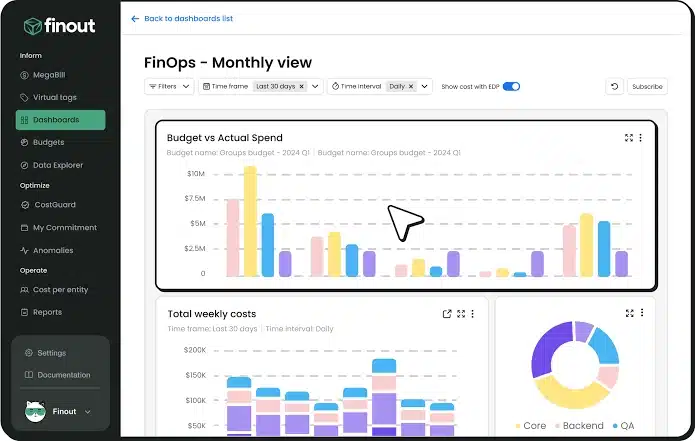
Finout consolidates supported cloud and technology spending, helping organizations distribute shared infrastructure costs across teams, products, and departments.
Key features:
- Multi-source visibility: Combines supported cloud, Kubernetes, and SaaS costs.
- Shared allocation: Distributes common expenses across teams.
- Reporting: Supports business-level cost accountability.
Pros: Makes shared infrastructure spending easier to understand.
Cons: Cost allocation does not directly eliminate resource waste.
Pricing: Commercial contract pricing.
Bottom line: Best for organizations struggling to assign shared Azure costs accurately.
7. IBM Apptio Cloudability: Best for Enterprise FinOps Governance
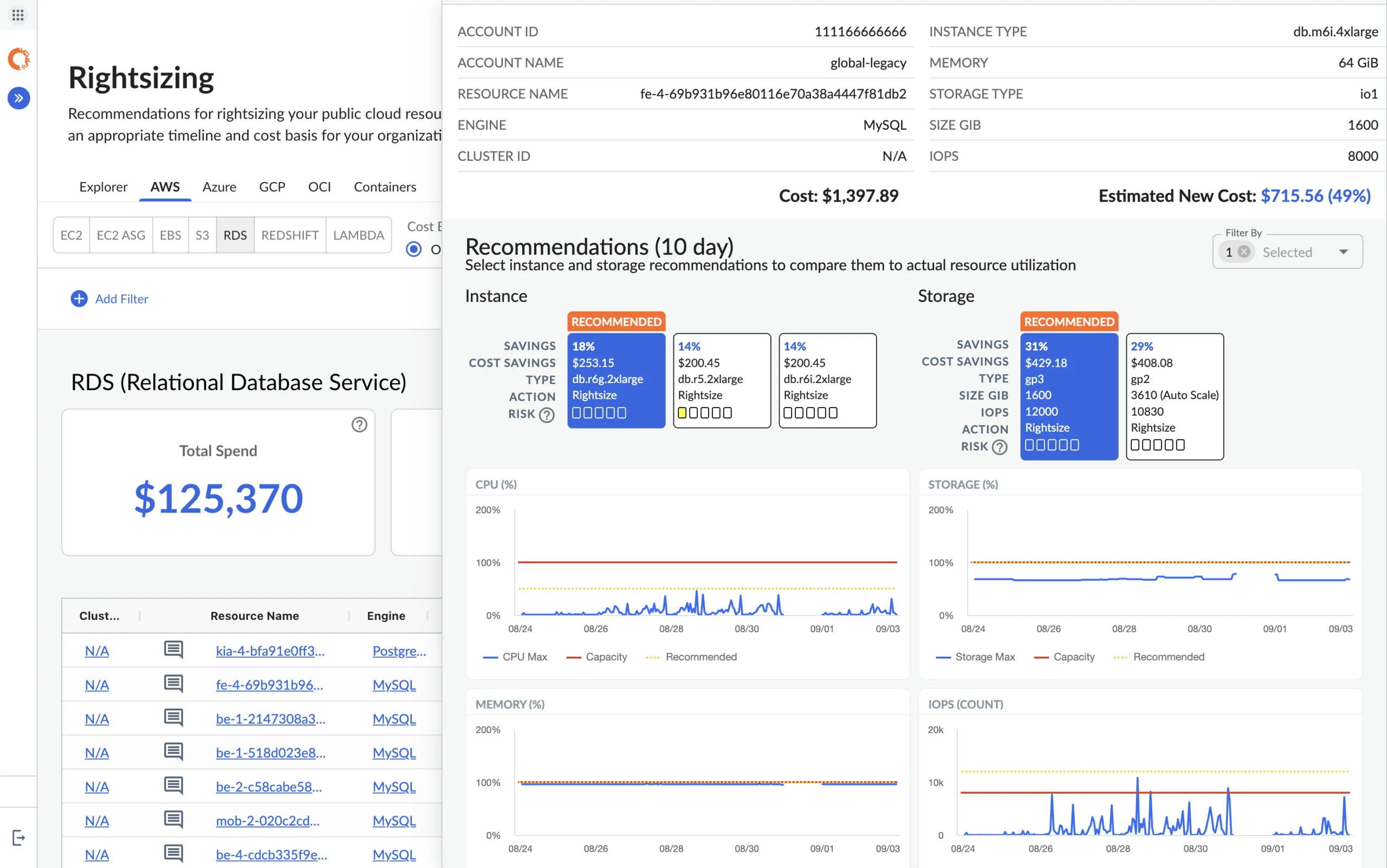
IBM Apptio Cloudability provides centralized cloud financial management for enterprises needing consistent cost allocation, forecasting, and governance across supported cloud environments.
Key features:
- Allocation: Organizes spending across business units.
- Forecasting: Supports budgets and financial planning.
- Optimization: Identifies potential cloud savings opportunities.
Pros: Supports complex enterprise FinOps processes.
Cons: Implementation can be involved, and automation may require separate products.
Pricing: Custom enterprise pricing.
Bottom line: Best for large organizations needing centralized cloud financial governance.
8. Vantage: Best for Simple Cloud Cost Reporting
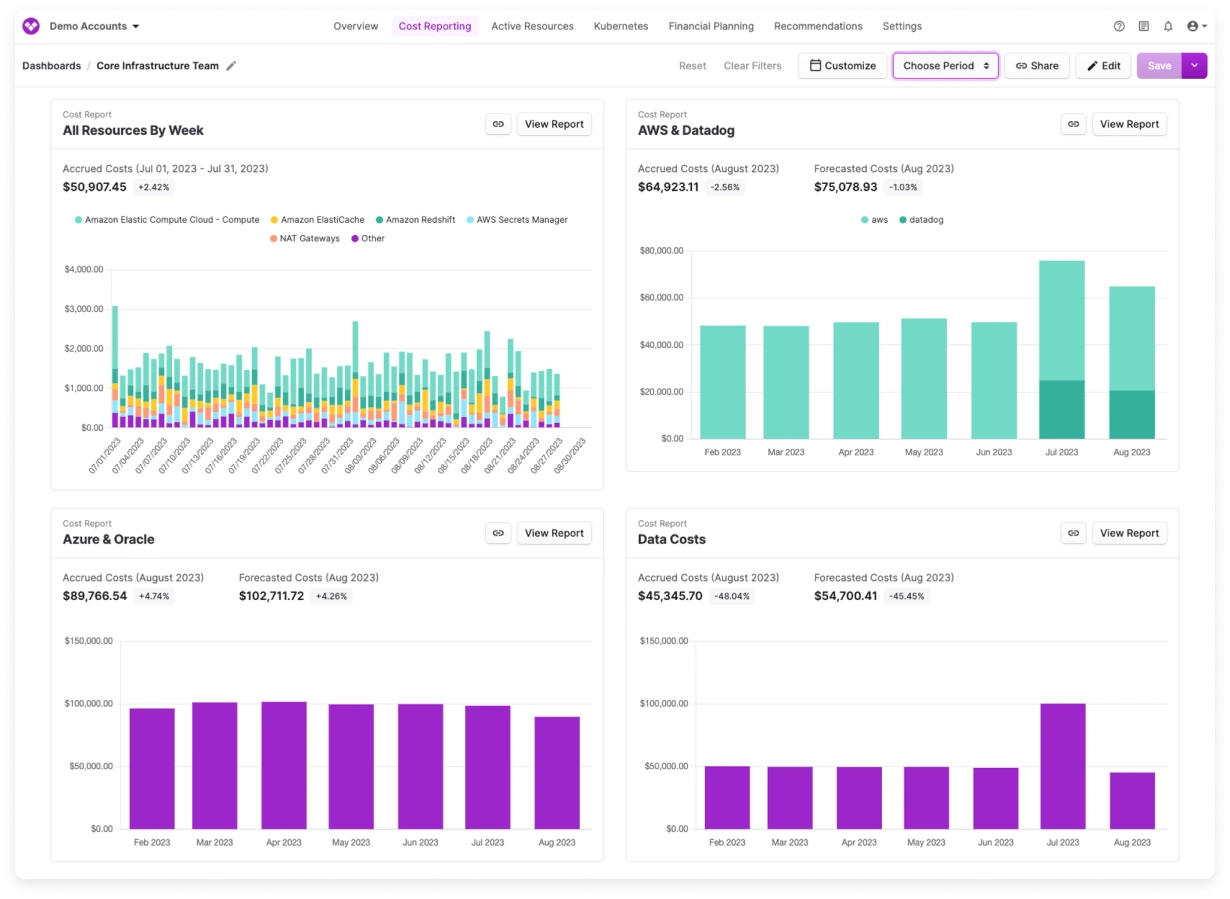
Vantage helps teams monitor cloud spending through accessible dashboards, cost allocation, and alerts across supported infrastructure providers.
Key features:
- Dashboards: Visualizes spending across providers.
- Virtual tagging: Groups expenses using reporting rules.
- Alerts: Highlights budget changes and unusual costs.
Pros: Straightforward reporting across supported providers.
Cons: Visibility does not automatically resolve inefficient resources.
Pricing: Free and paid tiers, depending on usage and features.
Bottom line: Best for teams that need clear cloud cost dashboards without complex setup.
9. Harness Cloud Cost Management: Best for Engineering Cost Controls

Harness connects cloud spending visibility with engineering workflows and supported automation, helping teams reduce waste from eligible idle resources.
Key features:
- Cost visibility: Tracks infrastructure spending.
- AutoStopping: Stops supported idle resources to reduce runtime costs.
- Optimization: Provides resource management recommendations and controls.
Pros: Connects cost management with engineering operations.
Cons: Automated actions require appropriate permissions and safeguards.
Pricing: Commercial pricing based on selected capabilities.
Bottom line: Best for engineering teams that want operational cost controls beyond reporting.
10. IBM Kubecost: Best for AKS Cost Visibility
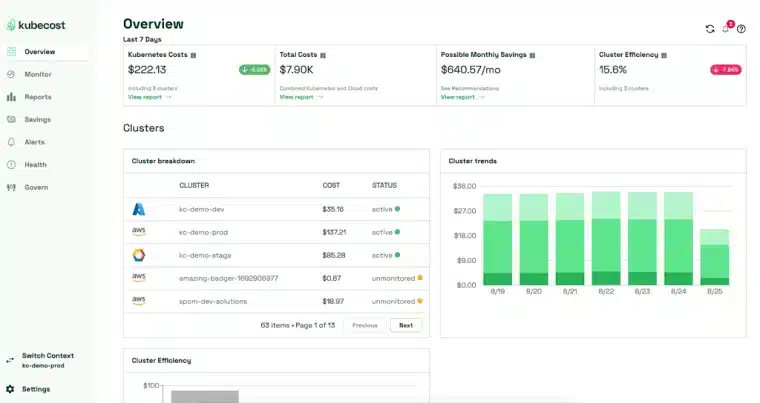
IBM Kubecost helps teams understand Azure Kubernetes Service (AKS) costs by allocating infrastructure spending to Kubernetes workloads, namespaces, and deployments.
Key features:
- Workload allocation: Attributes spending to Kubernetes resources.
- Efficiency analysis: Identifies potential CPU and memory improvements.
- Shared costs: Explains cluster infrastructure overhead.
Pros: Detailed Kubernetes cost attribution.
Cons: Lower container requests do not always reduce Azure infrastructure bills.
Pricing: Free and enterprise offerings.
Bottom line: Best for teams optimizing AKS workloads and understanding cluster spending.
Which Azure Cost Optimization Tool Should You Choose?
Start with the source of unnecessary spending, not the longest feature list. Use the table below to match your main Azure cost challenge with the most relevant tool.
| If your main problem is… | Start with… |
|---|---|
| High eligible on-demand compute costs | Usage.ai or ProsperOps |
| Unexpected Azure spending | Microsoft Cost Management |
| Oversized or underused VMs | Azure Advisor |
| Unclear cost per customer | CloudZero |
| Shared infrastructure allocation | Finout |
| Enterprise budgeting and governance | IBM Cloudability |
| Simple cost dashboards | Vantage |
| Engineering remediation workflows | Harness |
| Expensive AKS workloads | IBM Kubecost |
Bottom line: Start with Microsoft Cost Management and Azure Advisor for native cost visibility and recommendations. Add a specialized tool when you need commitment automation, engineering cost controls, advanced allocation, or Kubernetes cost analysis.