.png)



The best cloud cost optimization tools in Canada are not chosen by brand recognition alone. Start with the cost problem, cloud mix, required data and permissions, and whether the tool can execute financial actions or only recommend them.
Then assess Canadian privacy requirements, third-party risk, billing currency, and commitment exposure before shortlisting vendors.
This guide compares ten options through a Canadian lens, including privacy, OSFI Guideline B-10, regional coverage, and CAD billing.
Methodology: We assessed use case, cloud coverage, automation, disclosed data access, and fit for Canadian third-party review. Primary vendor and provider documentation and official regulatory guidance were prioritized. Private pricing and undocumented compliance claims were excluded.
Evidence review date: August 13, 2026. Product availability, supported services, permissions, commercial protections, and automation capabilities can vary by enabled module, agreement, cloud account, Region, and account type.
This is not a legal or regulatory compliance rating. Each organization must assess its own data flows, contracts, controls, risk appetite, and applicable provincial or sectoral requirements.
Why Canada changes the buying decision
The practical difference is that procurement may involve several privacy regimes, OSFI expectations, and currency-conversion assumptions.
Canada has multiple domestic regions across AWS, Microsoft, and Google Cloud. A tool should use actual billing data for your regions and services, not generic US-region estimates.
Three questions narrow the field:
- What problem must the tool solve? Visibility, allocation, rightsizing, Kubernetes efficiency, or commitment management?
- What data and permissions does it require? Request the exact IAM roles, APIs, exports, agents, tags, telemetry, and write actions.
- What financial decisions can it execute? Distinguish recommendations from automated purchasing, resource changes, or commitment management.
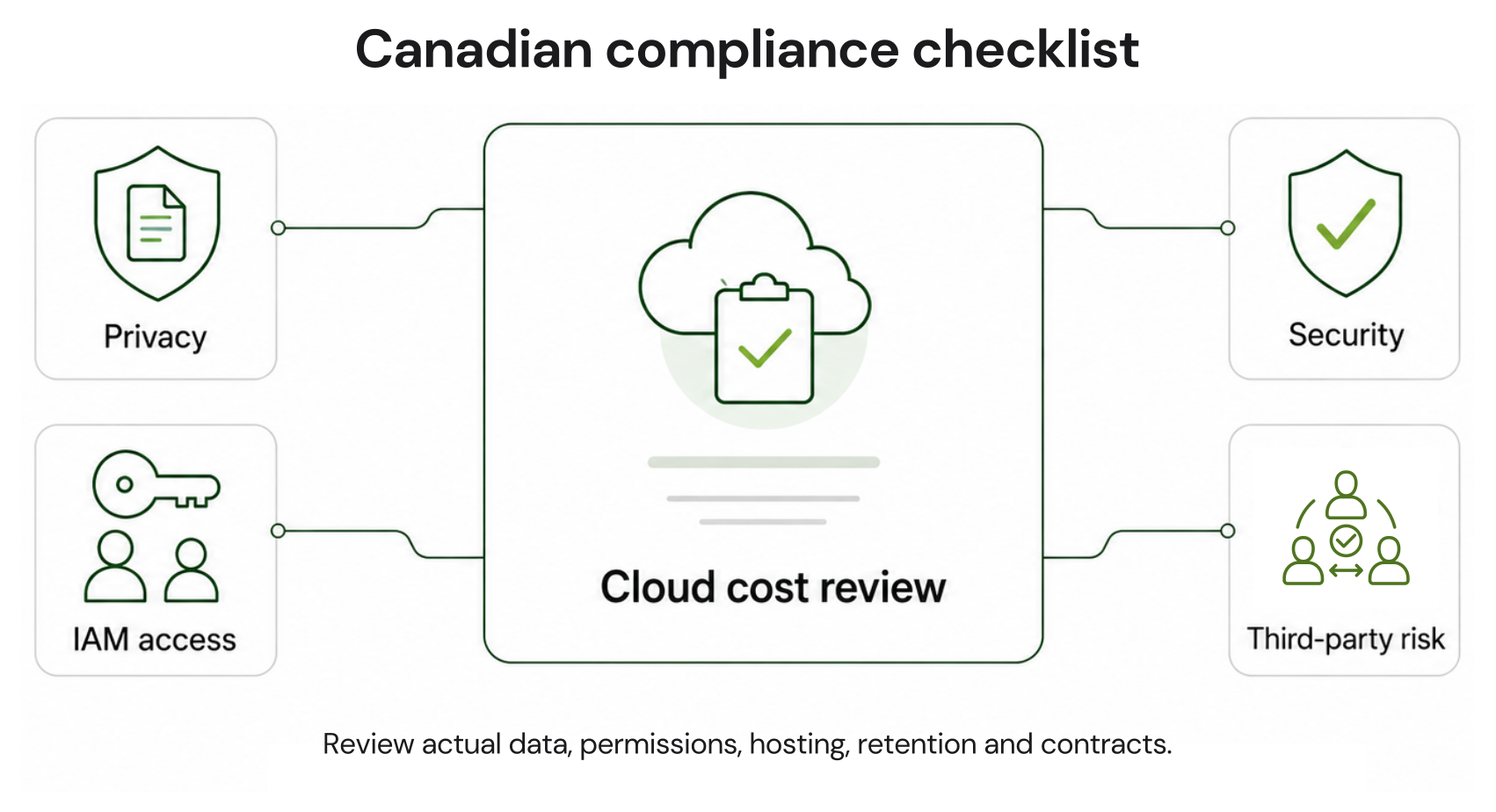
The Canadian compliance checklist
- Identify which federal, provincial, or sector-specific rules apply to the organization.
- Treat PIPEDA as an accountability requirement rather than a blanket Canadian data-residency rule.
- Review Quebec Law 25 requirements when personal information and Quebec operations are involved.
- Apply OSFI B-10 risk assessment where the organization is a federally regulated financial institution.
- Review the vendor’s actual data, permissions, subprocessors, hosting, retention, and contractual controls rather than relying on a compliance slogan.
Which Canadian rules may apply?
The applicable requirements depend on the organization and the information being processed.
Private-sector organizations may fall under PIPEDA or substantially similar provincial privacy legislation. Quebec organizations may also need to consider Law 25 requirements. Public-sector organizations can be subject to separate federal or provincial rules and policies.
Federally regulated financial institutions should evaluate relevant third-party arrangements under OSFI’s risk-management framework, including Guideline B-10 and, where applicable, technology and cyber-risk considerations under B-13.
Organizations should obtain legal guidance based on their own operations, data flows, industry, and jurisdiction.
PIPEDA accountability
The Office of the Privacy Commissioner of Canada says organizations remain responsible for personal information transferred for processing. It recommends risk assessment, safeguards, use limitations, and transparency about foreign processing.
Billing exports can contain identifiers, tags, project names, or other customer-created metadata. Inspect the schema and tagging practices.
Quebec Law 25
A privacy impact assessment is also required for certain information-system or electronic-service projects involving personal information. Whether a tool triggers it depends on the implementation and data.
Organizations should evaluate the requirements against their circumstances and the applicable provisions of Quebec’s private-sector privacy law.
OSFI Guideline B-10
Limited billing permissions may reduce the tool’s access to technology assets and information. They do not automatically create a “lightweight exemption.” An FRFI should classify the arrangement using its own risk framework and consider B-10 alongside OSFI Guideline B-13 for technology and cyber risk.
Procurement evidence request
Ask for:
- Exact IAM policies, API scopes, agents, and write permissions
- Data dictionary showing information collected or generated
- Subprocessor list and relevant hosting locations
- Data-retention and deletion controls
- Current security reports and certifications
- Incident-notification terms and processes
- Business continuity and recovery evidence
- Commercial protection and commitment terms
- Contract termination, data return, and exit provisions
Compare commitments before comparing
tools
AWS Compute Savings Plans can provide savings of up to 66% on eligible EC2, Fargate, and Lambda usage with one-year or three-year terms. EC2 Instance Savings Plans can provide savings of up to 72% in exchange for committing to a specified EC2 instance family in a selected Region, also with one-year or three-year terms.
Service-specific database commitments have their own eligibility and matching rules and should not be treated as interchangeable with Compute Savings Plans or EC2 Instance Savings Plans.
Azure commitments and Google Cloud committed use discounts also have provider-specific service, scope, term, and eligibility rules.
When evaluating a commitment-management vendor, ask exactly which commitment products and cloud services the proposed module can manage.
Best cloud cost tools for Canada
These tools are not interchangeable. Validate the exact module, cloud service, permissions, and commercial terms included in the proposal.
Shortlist by situation
What is your cloud mix? A single-cloud organization may need a different platform from a large multi-cloud environment.
How much spend is actually eligible? Evaluate recurring, optimizable spend rather than total cloud spend alone.
What is the primary problem? Visibility, governance, unit economics, engineering efficiency, or commitment management?
What level of access can you approve? Separate billing-data access from agents, infrastructure APIs, and write permissions.
Are you willing to take direct commitment exposure? Determine whether your organization wants to own long-term provider commitments or evaluate an alternative commitment-management model.
Consider engineering optimization when infrastructure action is the priority. Evaluate commitment-management tools when stable eligible spend and commitment risk are the central issue.
| Tool | Primary area to evaluate | Cloud or module scope | What to verify in the proposal |
|---|---|---|---|
| Usage.ai | Commitment automation | AWS, Azure, Google Cloud | Eligible commitments, IAM access, write actions, fee basis, and protection terms |
| ProsperOps | Autonomous rate optimization | Verify current AWS, Azure, and Google Cloud service support | Supported discount instruments, permissions, automation boundaries, fees, and protection |
| Zesty | Commitment and Kubernetes optimization | Verify the module and current cloud coverage | Eligible services, minimum terms, infrastructure permissions, and underutilization treatment |
Vendor capabilities, supported services, permissions, automation, and commercial protections can vary by contract, Region, cloud account, account type, and enabled module. Validate the current proposal and applicable documentation before making a purchase decision.
1. Usage.ai
For eligible Flex Commitments, we charge a percentage of realized savings and provide cashback protection for covered underutilization, subject to current program eligibility and terms.
Our product information is also more precise than describing the service as billing-layer-only. The IAM policy can read metadata such as instance sizes and launch times, while optional write access can be used for commitment purchases. Buyers should review the actual policy, enabled permissions, and data flow for their account.
See how cloud cost optimization works beyond dashboards for the operating model.
2. ProsperOps
Compare supported services, adjustment frequency, fee basis, permissions, automation boundaries, and what happens when usage declines.
3. Zesty
Confirm eligible cloud services, minimum terms, infrastructure permissions, automated actions, and contractual treatment of underutilization before comparing it with a narrower commitment-management product.
4. Harness Cloud & AI Cost Management
Broader engineering automation can involve different connectors and actions, so review the permissions and automation boundary for each enabled feature.
5. CloudHealth by Broadcom
Evaluate the product on the governance outcomes you need and distinguish automated workflows from recommendations or actions that still require people.
See your AWS savings baseline
6. AWS Cost Management
7. Microsoft Cost Management
Microsoft invoices customers in the billing-account currency associated with their Microsoft agreement, which can differ from market currency. Do not model Azure as a universal USD invoice; confirm the billing currency and current conversion rules in your billing account and agreement.
8. Flexera One
Assess data sources, module boundaries, implementation requirements, waste and anomaly capabilities, recommendations, and any automated actions rather than assuming a fixed implementation model.
9. CloudZero
That type of unit-economics analysis can complement rate optimization in a broader FinOps stack. The difference between cloud visibility and optimization helps clarify whether you need one or both.
10. IBM Cloudability
Large-enterprise requirements can vary significantly, so evaluate the exact modules, data sources, permissions, and workflows included in the agreement.
CAD billing and exchange-rate risk
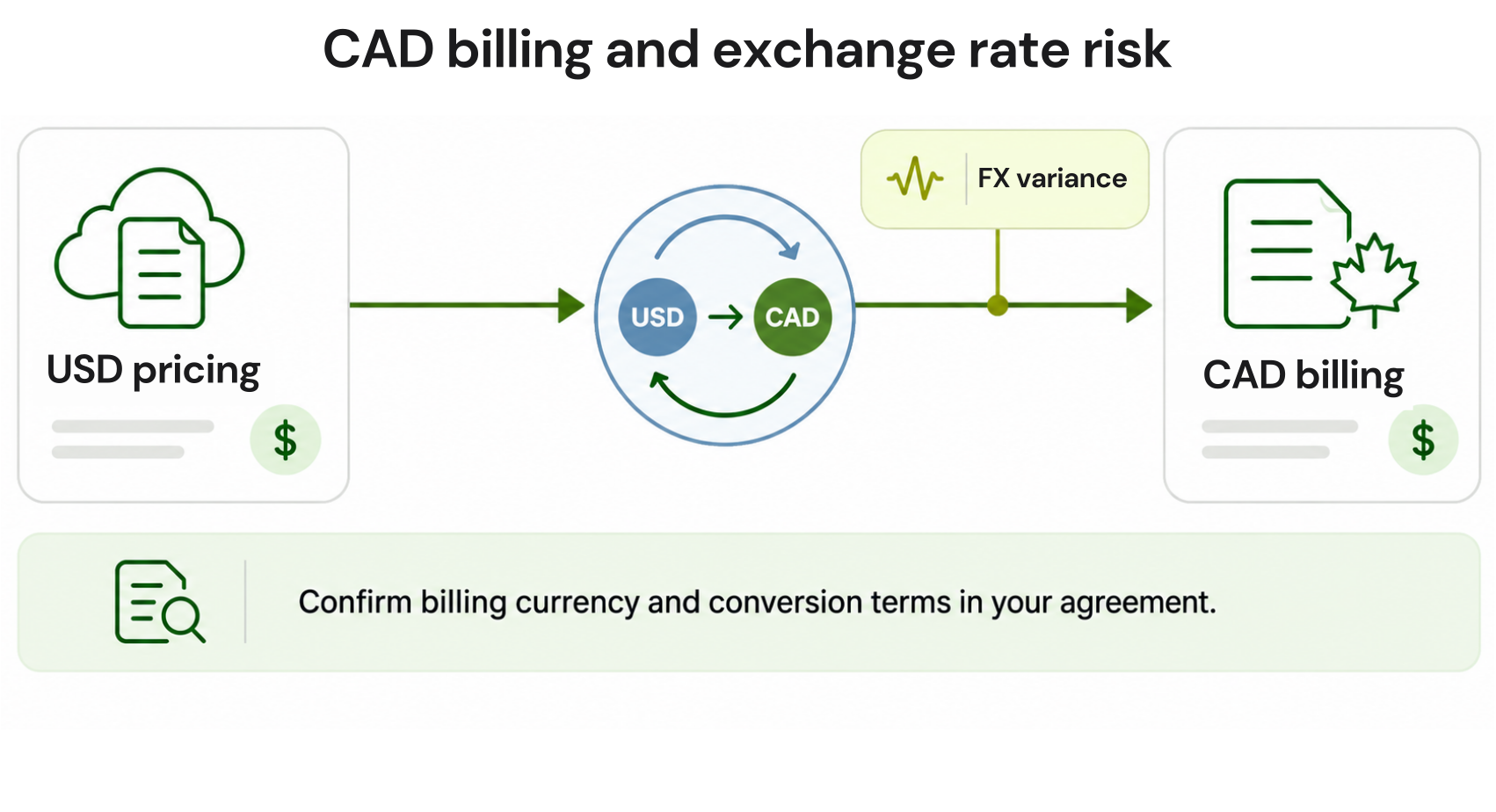
Microsoft lists CAD for Canada under the Microsoft Customer Agreement, while Google Cloud supports CAD billing accounts and publishes billing currency and conversion guidance.
FX exposure can remain where contracts, list prices, marketplace offers, or conversion methods reference USD. Measure it from the agreement, not the workload Region.
A practical 30-day action plan
Combine usage and rate optimization, then assign owners so recommendations become actions.Week 1: establish the baseline
- Export amortized and actual costs by account, service, Region, and owner.
- Separate usage growth from rate changes and currency conversion.
- Record commitment coverage, utilization, expirations, and break-even assumptions.
Week 2: remove obvious waste
- Delete unattached storage after checking retention requirements.
- Release unused public IPv4 addresses.
- Schedule non-production resources around actual team hours.
- Review data transfer, NAT processing, snapshots, logs, and idle databases.
Week 3: rightsize safely
Review CPU, memory, network, latency, and seasonality before changing sizes. Test recommendations, define rollback conditions, and rightsize before locking in commitments.Week 4: optimize rates
Purchase commitments only for a defensible baseline. AWS uses one-year and three-year Savings Plans; Google Cloud and Azure eligibility varies by commitment, service, Region, and agreement. Base approvals on expected savings, break-even time, utilization risk, architecture plans, and owner sign-off. Treat commitments as financial commitments with measurable utilization and exposure risk.Which tool should you choose?
Start with native tools if you operate mainly in one cloud, need basic cost visibility and recommendations, and have internal owners who will act on them.- Shortlist broader governance tools if reporting, policy, allocation, and optimization need to span a large enterprise or multiple cloud environments. CloudHealth, Flexera One, and IBM Cloudability are options to evaluate, subject to the exact modules and cloud support in the proposal.
- Evaluate unit-economics tools if cost per customer, product, feature, or business outcome drives your FinOps decisions. CloudZero is one option to assess for that requirement.
- Evaluate engineering automation if the main challenge is turning infrastructure recommendations into engineering actions. Harness and Zesty are options to investigate, with permissions and enabled modules reviewed carefully.
- Evaluate commitment automation if stable cloud spend exists but your organization wants help managing coverage, utilization, and commitment exposure. We and ProsperOps are relevant options to compare for this use case; validate exact eligible services and commercial terms before purchase.
- Do not let a compliance slogan decide the purchase. Let verified data scope, permissions, contracts, security evidence, cloud coverage, and financial mechanics decide it.
Review eligible AWS, Azure, and Google Cloud usage, commitment risk, required permissions, and potential savings before you buy.
Frequently asked questions
What are the best cloud cost optimization tools in Canada?
There is no universal winner. Start with the problem you need to solve. Usage.ai and ProsperOps are relevant options to evaluate for commitment automation; CloudHealth, Flexera One, and IBM Cloudability for enterprise governance; CloudZero for unit economics; Harness and Zesty for engineering-led optimization; and native AWS or Azure tools for a single-cloud baseline.
Always confirm current cloud coverage, module scope, permissions, automation, and commercial terms with the vendor.
Does PIPEDA require Canadian data residency?
No. PIPEDA does not impose a blanket Canadian residency rule. Organizations remain accountable for personal information transferred to service providers and should assess cross-border risk, contracts, safeguards, use limitations, and transparency.
Does billing-only access remove compliance review?
No. Narrower access may reduce exposure, but billing exports can contain identifiers or customer-created tags. Canadian organizations should inspect the schema, permissions, subprocessors, retention, hosting, and contractual controls before approval.
Are Canadian cloud accounts billed in USD?
Not always. AWS billing currency depends on the seller of record, account setup, and payment preferences, so confirm the currency shown in the AWS Billing console and applicable contract.
Microsoft invoices customers in the billing-account currency associated with their agreement, which can differ from market currency. Google Cloud supports CAD billing accounts for Canadian self-serve customers. Confirm the pricing, billing currency, and conversion rules in your own agreement.
How do commitments reduce cloud costs?
Commitments exchange future usage or spend obligations for lower rates. AWS Savings Plans can discount eligible compute, while Azure Reservations or savings plans and Google Cloud CUDs cover different services under provider-specific rules.
Buy only against a stable baseline and monitor utilization continuously.