AWS
AWS Microsoft Azure
 Google Cloud

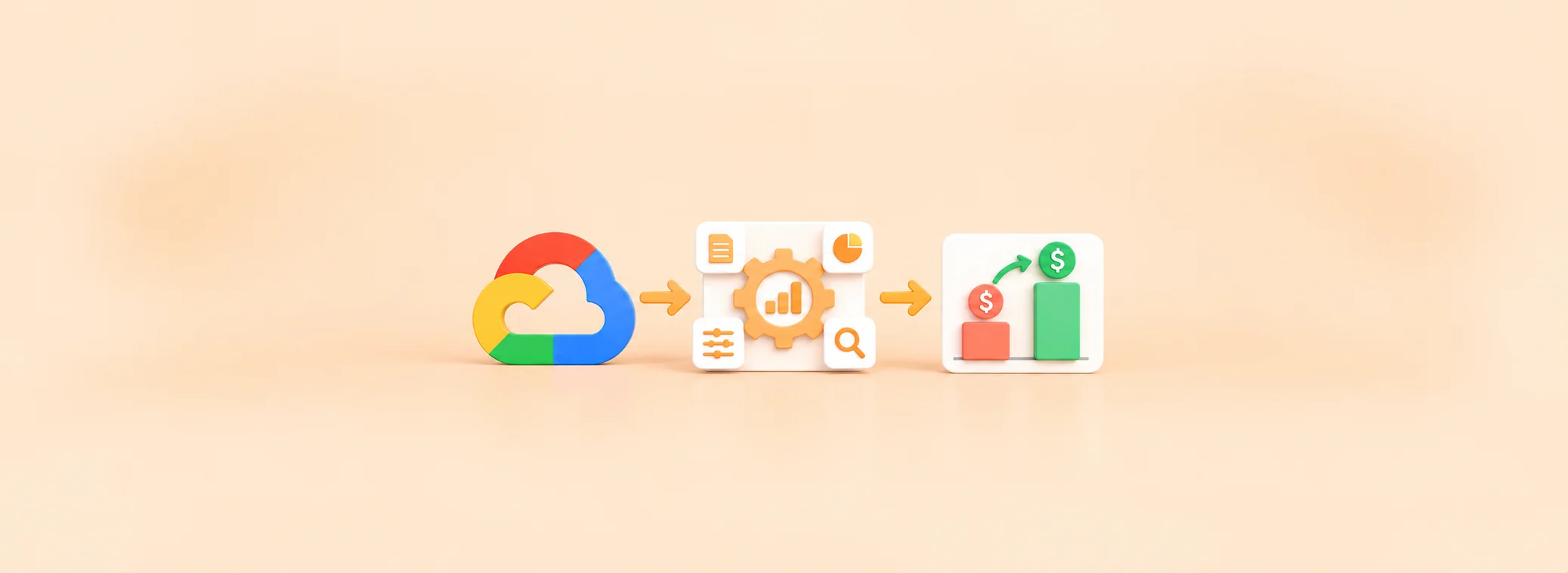
GCP FinOps platform ROI depends on what another platform can improve beyond your current financial outcome.
Short answer
There is no fixed GCP spending threshold that makes cloud cost management software worth buying. For commitment-management and CUD-optimization platforms, the investment makes sense when measurable additional savings and operational benefits exceed fees, implementation costs, and financial exposure. Eligible usage and existing discounts matter more than the total GCP bill.Before requesting a proposal, use these five questions to establish whether your environment warrants another platform.
Should you evaluate GCP FinOps software? Five buying questions
| Buyer question | Evidence to review |
|---|---|
| Is enough spending eligible? | Monthly usage for the specific services and CUD products the vendor supports |
| Are existing CUDs already optimized? | Coverage, utilization, realized savings, and uncovered eligible usage |
| Is the workload baseline durable? | Planned rightsizing, migrations, retirements, and demand changes |
| Is manual management costly? | Review hours, approval delays, and recurring purchasing effort |
| Will net value be positive? | Additional savings, vendor fees, setup costs, operations, and downside |
Why identical GCP bills can justify opposite decisions
Consider two organizations spending $250,000 monthly on Google Cloud. Both are evaluating commitment optimization, but their remaining opportunities differ.| Illustrative input (USD unless shown) | Company A | Company B |
|---|---|---|
| Monthly GCP spending | $250,000 | $250,000 |
| Eligible monthly spending | $100,000 | $40,000 |
| Incremental gross savings rate | 5% | 1% |
| Monthly additional gross savings | $5,000 | $400 |
| Vendor fee: 20% of additional gross savings/month | $1,000 | $80 |
| Additional monthly operating costs | $1,000 | $1,000 |
| Monthly net benefit before setup and uncovered losses | +$3,000 | −$680 |
Company A merits further evaluation under these assumptions; Company B does not show a positive financial case. Neither monthly result alone justifies purchase. The 12-month calculation below incorporates setup costs and a downside scenario.
To make your own comparison, isolate eligible spend in your billing data, measure what you already save, and request a vendor estimate of additional savings and fees. Do not credit the vendor with discounts your organization would capture anyway.
How much of your GCP bill is actually optimizable?
Google Cloud’s Committed Use Discounts have product-specific eligibility. For example, Cloud SQL CUDs cover eligible database instance CPU and memory, not storage, backups, IP addresses, outbound data transfer, or licensing.Commitment software should not receive credit for unrelated Kubernetes rightsizing or idle-resource cleanup. Complete known rightsizing, migration, and retirement decisions before sizing new commitments against durable usage.
Our GCP cost optimization best practices guide explains that broader groundwork.
How to calculate GCP FinOps platform ROI
A positive vendor savings estimate is not enough for financial approval.The following is an illustrative buyer-side ROI framework, not Usage.ai’s official Savings Test or billing methodology. Use an evaluation period matching your contract and renewal horizon.
| Illustrative financial input | Value (USD) |
|---|---|
| Additional gross savings per month | $5,000 |
| Vendor fee per month | $1,000 |
| Additional operating costs per month | $1,000 |
| One-time implementation cost | $3,000 |
| 12-month net benefit, excluding uncovered losses | $33,000 |
| Simple implementation payback | 1 month |
Downside test: If uncovered commitment underutilization creates an additional $400 loss per month, not already reflected elsewhere, the 12-month net benefit falls to $28,200.
Do not double-count losses or assume contractual Cashback applies without establishing eligibility and payout conditions. Repeat the comparison with lower usage and delayed deployment.
Financial reviewers must also check whether a vendor bills against On-Demand discounts or genuinely incremental savings. Those measures can differ.
Four conditions that change the purchasing decision
| Financial finding | Recommended action |
|---|---|
| Verified positive net benefit and acceptable risk | Approve, subject to procurement controls |
| Promising opportunity with uncertain assumptions | Run a proof of value |
| Existing process captures most remaining value | Continue internally |
| Costs or uncovered downside exceed expected benefit | Reduce scope or defer |
When are Google Cloud’s native tools enough?
Google Cloud offers FinOps Hub, CUD Analysis, CUD recommendations, and Cloud Billing export to BigQuery.| Native evidence | What it helps establish |
|---|---|
| CUD Analysis | Existing coverage, utilization, and commitment economics |
| FinOps Hub and CUD recommendations | Remaining candidate opportunities and optimization performance |
| Billing export to BigQuery | Eligible spending trends and historical usage for an independent baseline |
Native tools may suffice when your team acts on recommendations promptly and manages commitments efficiently. Evaluate specialized software when recurring work, approval delays, or missed supported opportunities create measurable incremental value.
Our GCP CUD automation guide covers that distinction; our GCP optimization tools guide covers broader vendor choices.
What should procurement verify before approving a platform?
| Concern | Evidence required |
|---|---|
| Savings attribution | Incremental savings after existing discounts |
| Commercial terms | Fee basis, minimums, contract and support obligations |
| Implementation | Billing-data access, IAM roles, workload and team effort |
| Purchasing controls | Approval rights and execution permissions |
| Downside | Underutilization exposure, eligibility, Cashback terms |
| Offboarding | Access removal and commitments surviving vendor exit |
Where we fit: Validate your GCP commitment opportunity
At Usage.ai, we help organizations evaluate whether eligible cloud commitment management can improve their financial outcome.Our pricing model is based on a share of realized savings rather than a fixed platform subscription. Through a personalized assessment, we can present projected savings, our fees, and expected net savings before commitment execution.
Through our GCP cost optimization platform we analyze eligible usage, identify commitment opportunities, and manage supported Google Cloud commitments.
With our Flex Insured Commitments, teams can access 46% discount on qualifying usage through a three-year Google Compute flexible CUD with none of the Commitment risk.
When a Flex Commitment costs more than equivalent On-Demand usage, Cashback is calculated under the program’s terms and paid 90 days after accrual. This does not mean every existing commitment automatically qualifies.
We recommend reviewing the supported services, proposed purchases, purchasing permissions, and estimated net savings before proceeding.
Final verdict: When is GCP FinOps software worth buying?
Cloud cost management software is worth buying when additional savings and operational benefits outweigh its total costs and financial risks. The decision should depend on eligible GCP spending, existing discounts, vendor fees, and remaining optimization opportunities, not just your cloud bill.Before purchasing, verify the expected net savings, implementation requirements, and commitment exposure. If the financial case is strong and risks are manageable, proceed. Otherwise, consider a limited assessment or continue with native GCP tools.
See projected eligible GCP CUD savings, our fees, and applicable purchasing and protection terms before deciding.
Frequently asked questions
What is the minimum GCP spend needed for FinOps software?
There is no universal threshold. Eligible spending, remaining savings opportunities, vendor costs, and operational requirements determine whether software is worthwhile.
Can a smaller GCP environment justify FinOps software?
Yes, when the additional verified value exceeds implementation and ongoing costs.
Should I buy software if my CUD utilization is already high?
Not automatically. High utilization does not establish additional savings potential; measure uncovered eligible usage and current discounts.
How should I compare savings-based and subscription pricing?
Model the total fees and implementation costs over the same period, and confirm how each vendor defines billable savings.
Can I evaluate Usage.ai without granting purchasing permissions?
Booking a demo does not require cloud-account access. A GCP Savings Test requires a separate assessment setup: our GCP integration guide describes read access to BigQuery billing data through a service account and setup options that can include commitment read/write permissions. Confirm the exact roles and separate purchasing authorization with us before onboarding.