 AWS
 Microsoft Azure
 Google Cloud


Compare 8 open-source tools by purpose and cost
The right open-source cloud cost optimization tool depends on whether your team needs Kubernetes cost visibility, multi-cloud reporting, infrastructure cost estimates, or automated optimization.Compare the tools by their primary use cases, capabilities, and pricing. Then evaluate cloud compatibility, deployment requirements, permissions, and ongoing maintenance costs before choosing.
| Tool | Primary function | Can execute changes? | Pricing |
|---|---|---|---|
| OpenCost | Kubernetes cost allocation | No | Free open-source |
| Cloud Custodian | Policy-based cloud management | Yes, through policies | Free open-source |
| OptScale | Multi-cloud FinOps | Selected scheduling actions | Free self-hosted |
| Infracost | Infrastructure cost estimation | Paid workflows available | Free core; paid plans |
| OpenOps | FinOps workflow automation | Yes, through integrations | Free self-hosted; paid plans |
| Goldilocks | Kubernetes resource recommendations | No, recommendation-focused | Free open-source |
| KRR | Kubernetes rightsizing | Optional Enforcer | Free open-source |
| Microsoft FinOps toolkit | Azure reporting and FinOps extensions | Configured scripts and components | Free code; Azure costs |
How we compared: We reviewed official project documentation, GitHub repositories, and pricing information to assess cloud compatibility, cost visibility, optimization recommendations, automation, implementation requirements, and pricing. These potential fits reflect documented capabilities, not an independently tested ranking.
1. OpenCost
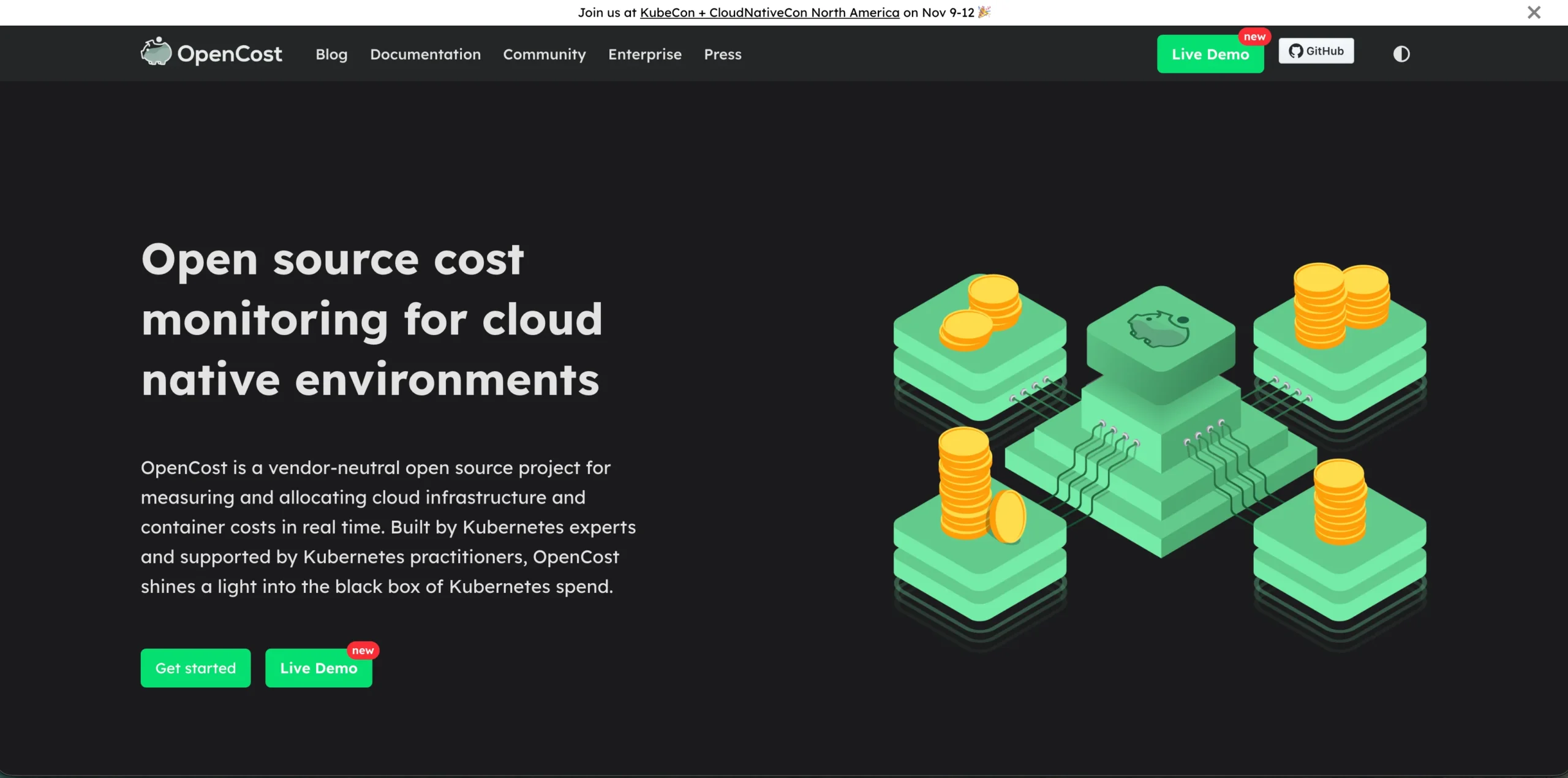
OpenCost has core billing integrations for AWS, Azure, and GCP, but its displayed on-demand pricing may not reconcile with actual billed costs or negotiated discounts.
Key features
Cost allocation: Breaks down Kubernetes spending by workload and namespace.
Resource visibility: Reports CPU, memory, storage, and supported infrastructure costs.
Monitoring integration: Provides Prometheus-compatible metrics.
Pros
- ✅ Detailed Kubernetes workload cost visibility.
- ✅ Free, customizable open-source software.
- ✅ Helps identify inefficient resource allocation.
Cons
- ❌ Primarily reports costs rather than executing optimization actions.
- ❌ Cost estimates may differ from actual invoices and negotiated rates.
Pricing: Free Apache 2.0 software. Kubernetes resources, metrics storage, and maintenance are additional expenses.
Best for: Kubernetes teams requiring workload-level cost allocation.
2. Cloud Custodian
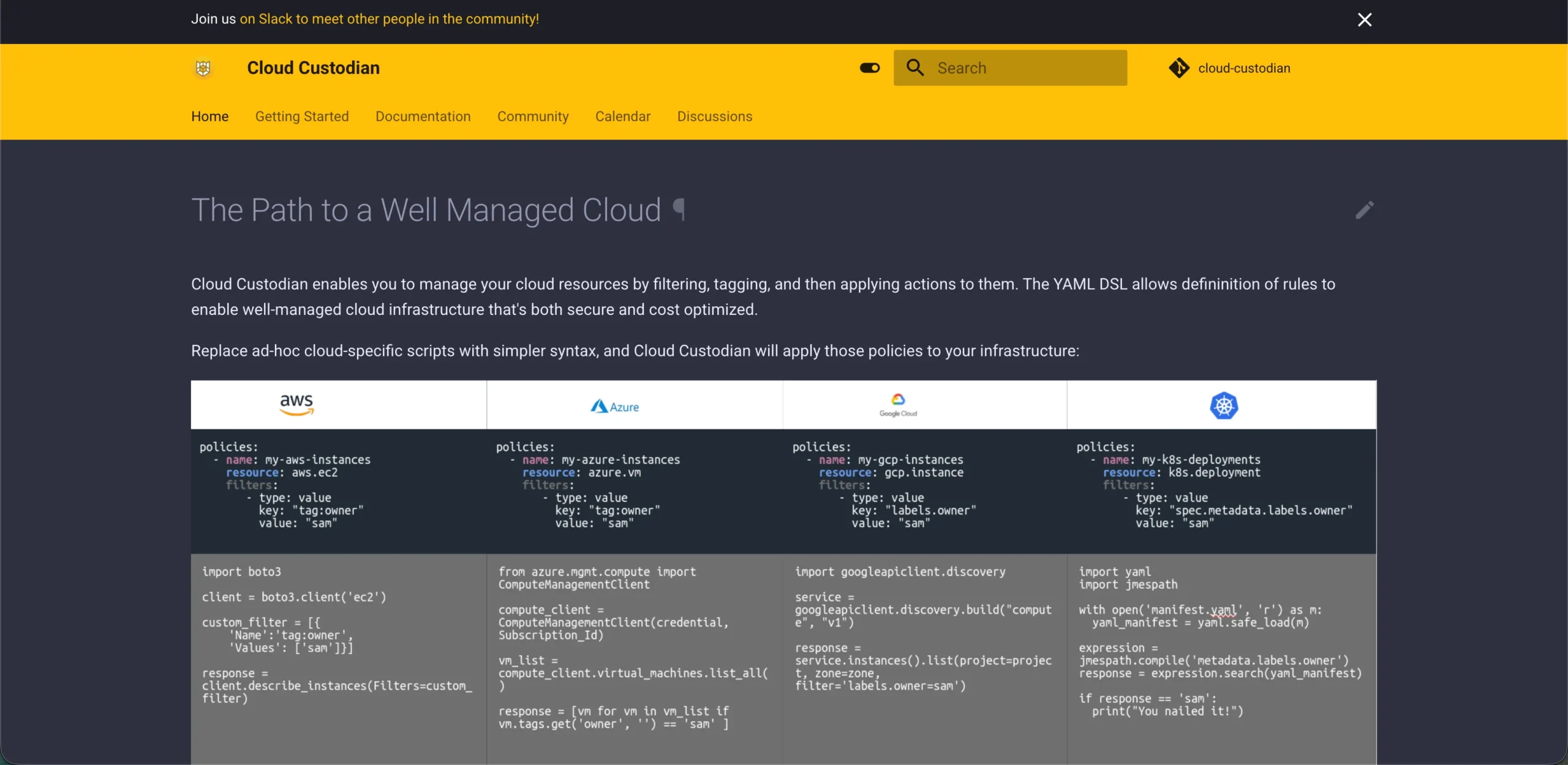
Teams can define policies to identify resources and perform authorized actions, such as stopping eligible development instances outside working hours.
Key features
Policy automation: Executes predefined resource management rules.
Resource management: Identifies resources for cleanup or scheduling.
Governance: Enforces tagging and compliance policies.
Pros
- ✅ Automates selected cost-control actions.
- ✅ Supports major cloud providers.
- ✅ Provides policy validation and dry-run capabilities.
Cons
- ❌ Requires technical configuration and policy testing.
- ❌ Incorrect automation can interrupt workloads.
Pricing: Apache 2.0 software is free. Execution services, scheduling, logging, and maintenance may incur cloud charges.
Best for: Engineering teams automating approved cloud resource policies.
3. OptScale
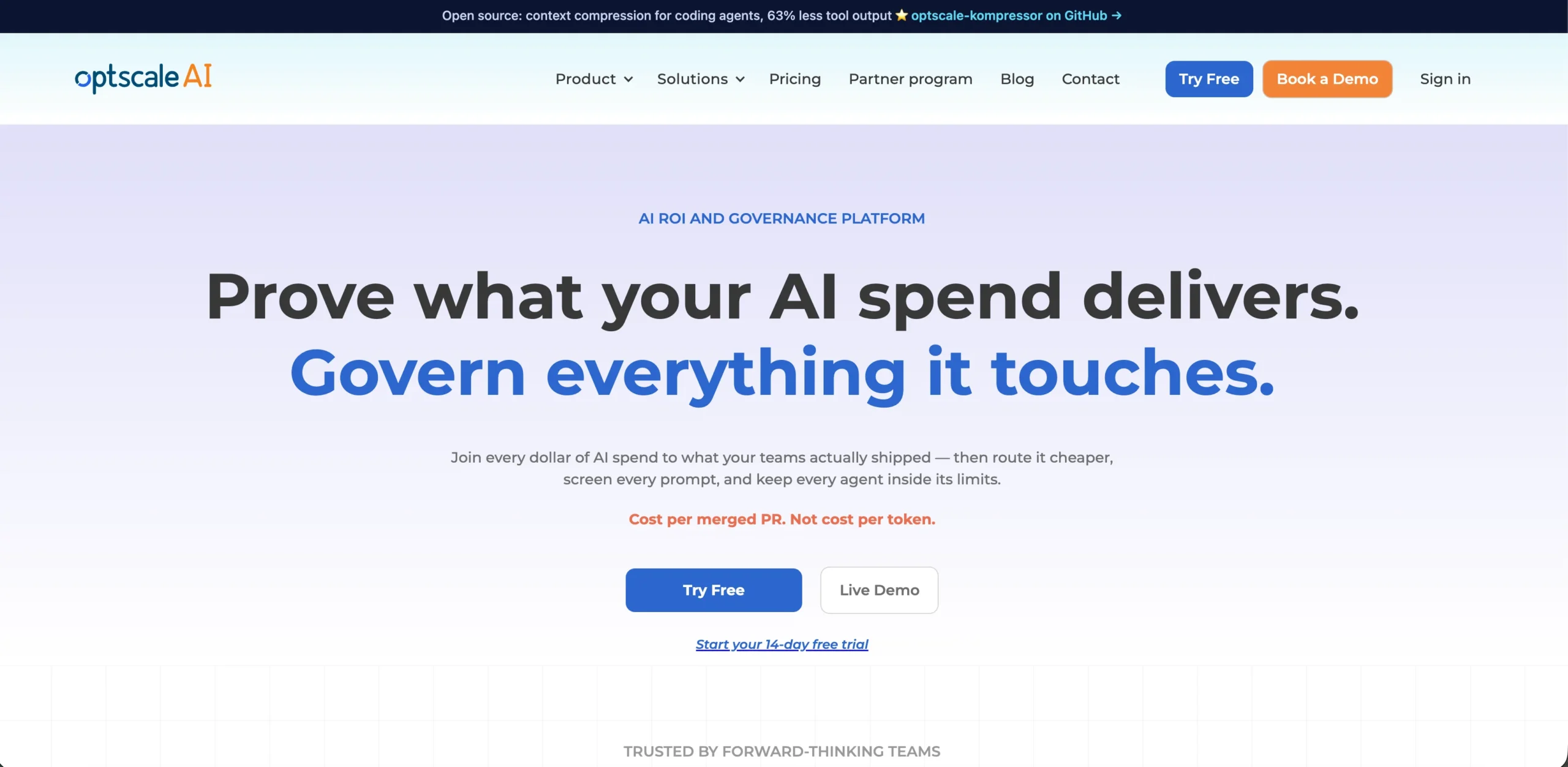
It helps organizations identify unused resources, investigate overprovisioned infrastructure, allocate expenses, and analyze commitment utilization.
Key features
Multi-cloud reporting: Consolidates supported billing information.
Rightsizing recommendations: Identifies potentially oversized resources.
Cost controls: Supports budgeting, alerts, and selected power schedules.
Pros
- ✅ Centralizes multi-cloud financial visibility.
- ✅ Combines reporting with optimization recommendations.
- ✅ Helps identify idle infrastructure and spending inefficiencies.
Cons
- ❌ Self-hosting requires infrastructure and administration.
- ❌ Commitment analysis does not equal automated commitment purchasing.
Pricing: The Apache 2.0 edition is free to self-host. Compute, storage, monitoring, and maintenance remain payable.
Best for: Organizations managing cloud spending across multiple providers.
4. Infracost
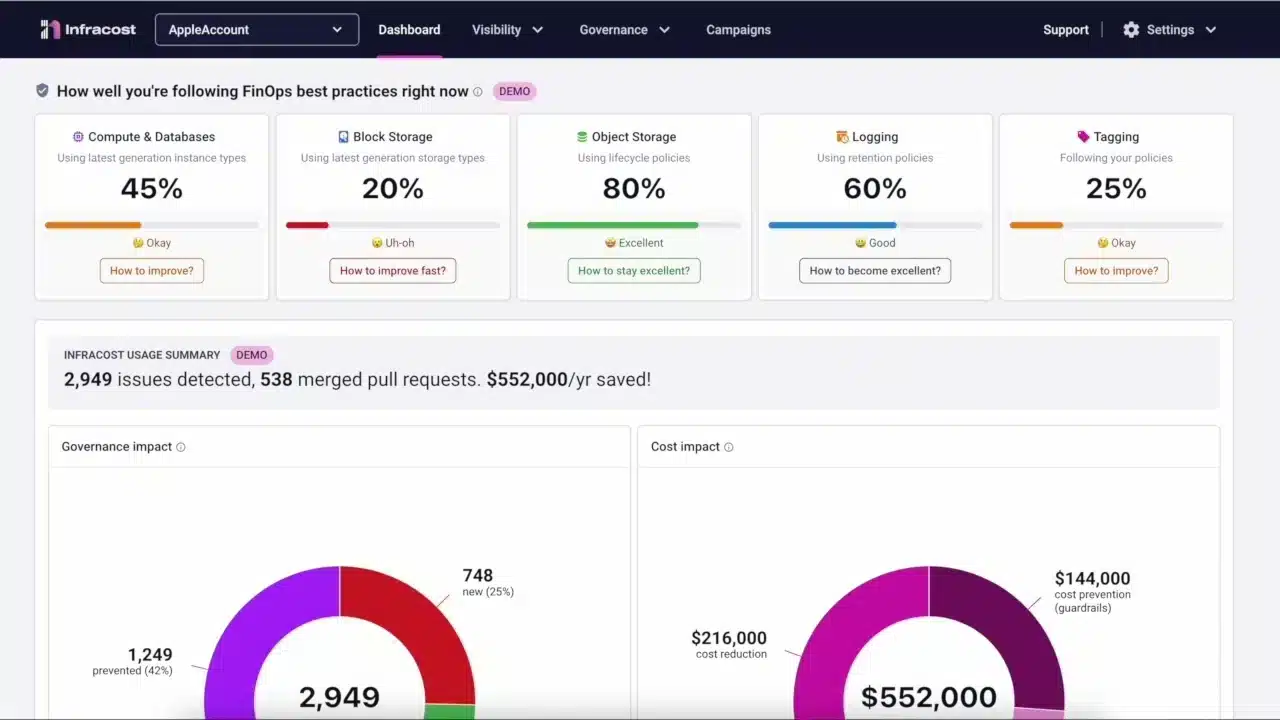
Key features
Cost estimation: Forecasts supported infrastructure expenses.
Pull-request feedback: Shows estimated cost changes.
CI/CD integration: Incorporates cost estimates into development reviews.
Pros
- ✅ Identifies potentially expensive changes before deployment.
- ✅ Supports multiple cloud providers.
- ✅ Encourages cost-aware infrastructure development.
Cons
- ❌ Estimates depend on resource support and usage assumptions.
- ❌ Does not independently remove waste from running infrastructure.
Pricing: The open-source core uses Apache 2.0. Infracost’s pricing page lists a free CI/CD offering with 1,000 monthly runs, Starter at $250/month, Cloud at $1,000/month, and custom Enterprise pricing.
Best for: Engineering teams introducing cost estimates into infrastructure-as-code workflows.
5. OpenOps
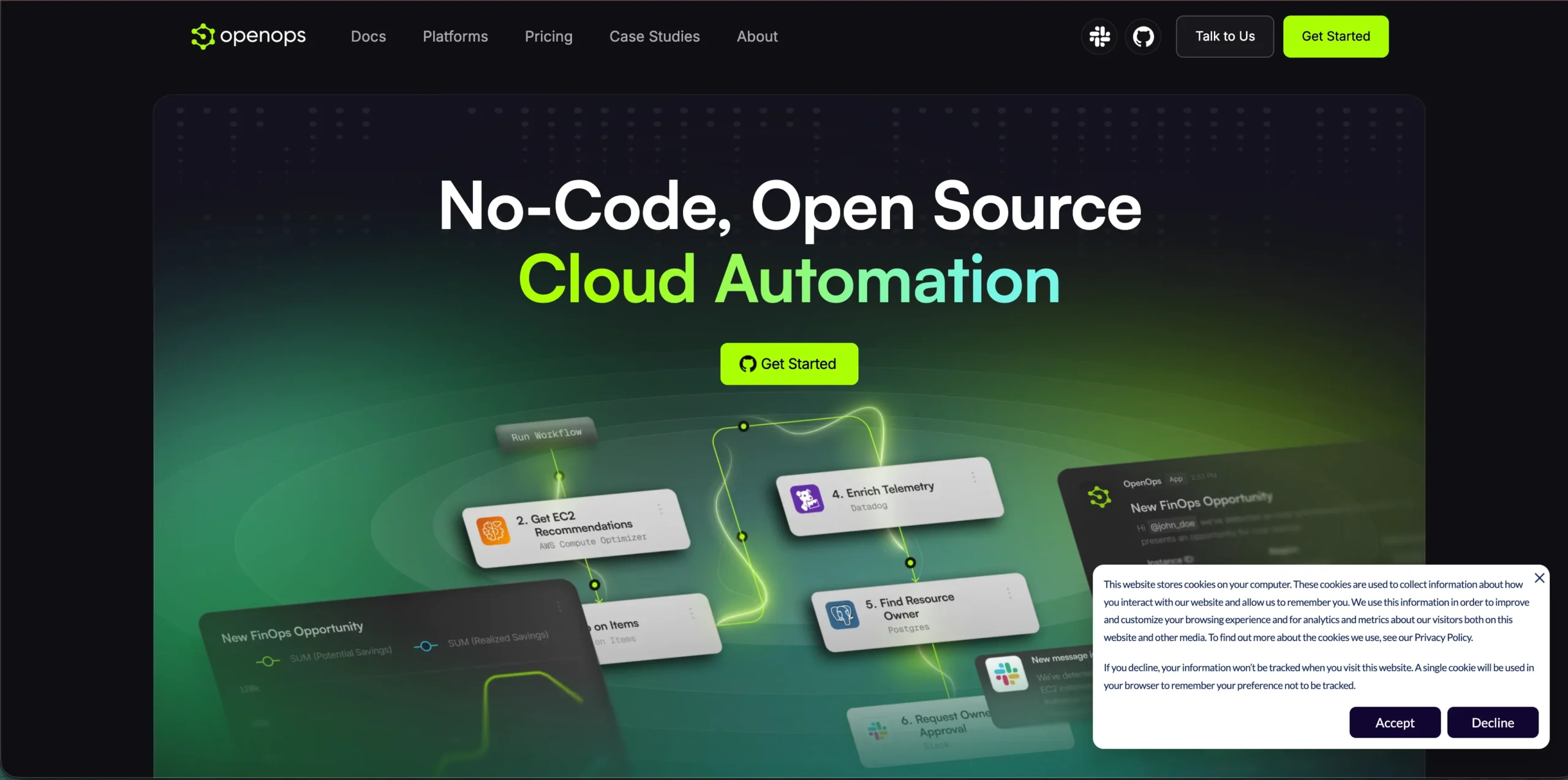
Teams can gather recommendations, route proposed changes for approval, and execute selected actions through supported integrations.
Key features
Workflow automation: Connects findings with execution.
Approval controls: Routes proposed actions for review.
Integrations: Connects AWS, Azure, GCP, and operational systems.
Pros
- ✅ Helps convert optimization findings into actions.
- ✅ Provides a self-hosted open-source Community edition.
- ✅ Supports approval-based operational controls.
Cons
- ❌ Requires configuration, permissions, and maintenance.
- ❌ Some advanced managed capabilities require paid plans.
Pricing: The Apache 2.0 Community edition is free. OpenOps pricing lists Professional at $2,000/month and Enterprise starting at $36,000/year.
Best for: FinOps teams automating repeatable optimization workflows.
6. Goldilocks
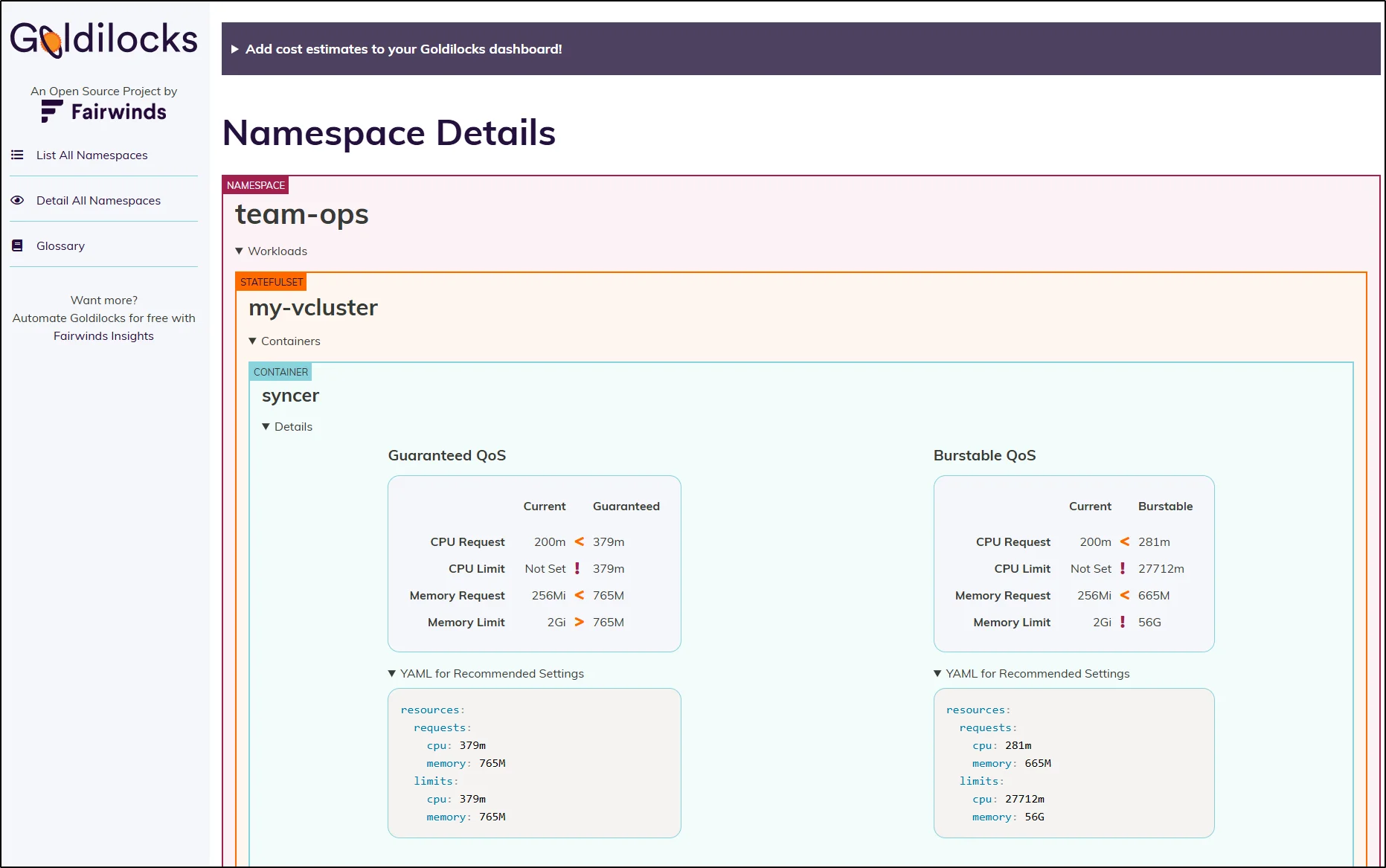
It highlights workloads that may be overprovisioned or underprovisioned.
Key features
Resource recommendations: Suggests CPU and memory requests.
Namespace analysis: Organizes recommendations across workloads.
VPA integration: Uses Kubernetes resource recommendation capabilities.
- ✅ Simplifies Kubernetes resource analysis.
- ✅ Provides free Apache 2.0 software.
- ✅ Helps investigate oversized resource requests.
- ❌ Does not automatically apply every recommended change.
- ❌ Lower requests do not necessarily reduce cloud bills.
Best for: Kubernetes teams investigating resource efficiency.
7. KRR
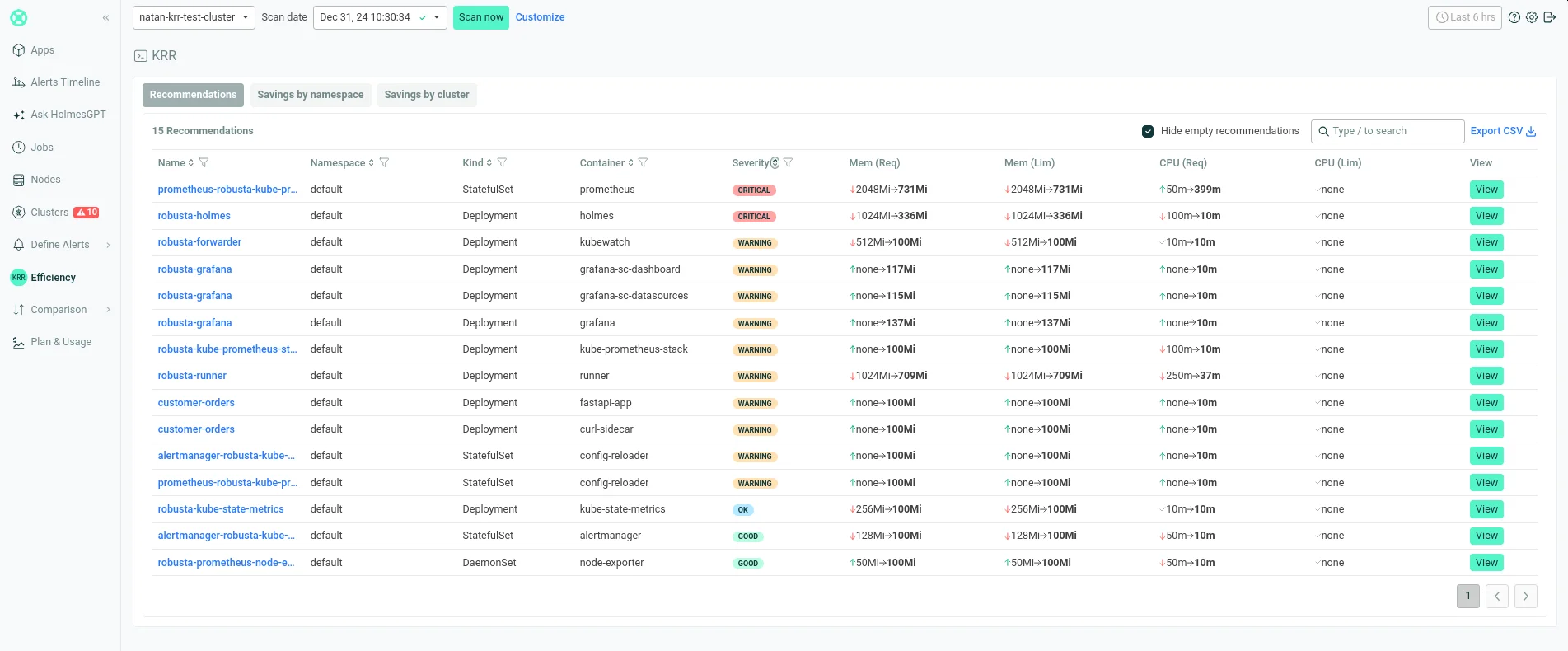
It supports Prometheus-compatible monitoring sources and an optional Enforcer for applying recommendations.
Key features
Usage analysis: Evaluates historical workload consumption.
Rightsizing: Recommends CPU and memory requests.
Optional enforcement: Supports configured application of recommendations.
Pros
- ✅ Uses observed workload metrics for resource planning.
- ✅ Provides free MIT-licensed software.
- ✅ Supports Prometheus-compatible monitoring systems.
Cons
- ❌ Requires reliable historical utilization data.
- ❌ Automated adjustments need performance safeguards.
Pricing: Free MIT-licensed software. Monitoring infrastructure, metrics storage, and maintenance may add expenses.
Best for: Kubernetes teams using historical metrics for rightsizing decisions.
8. Microsoft FinOps toolkit
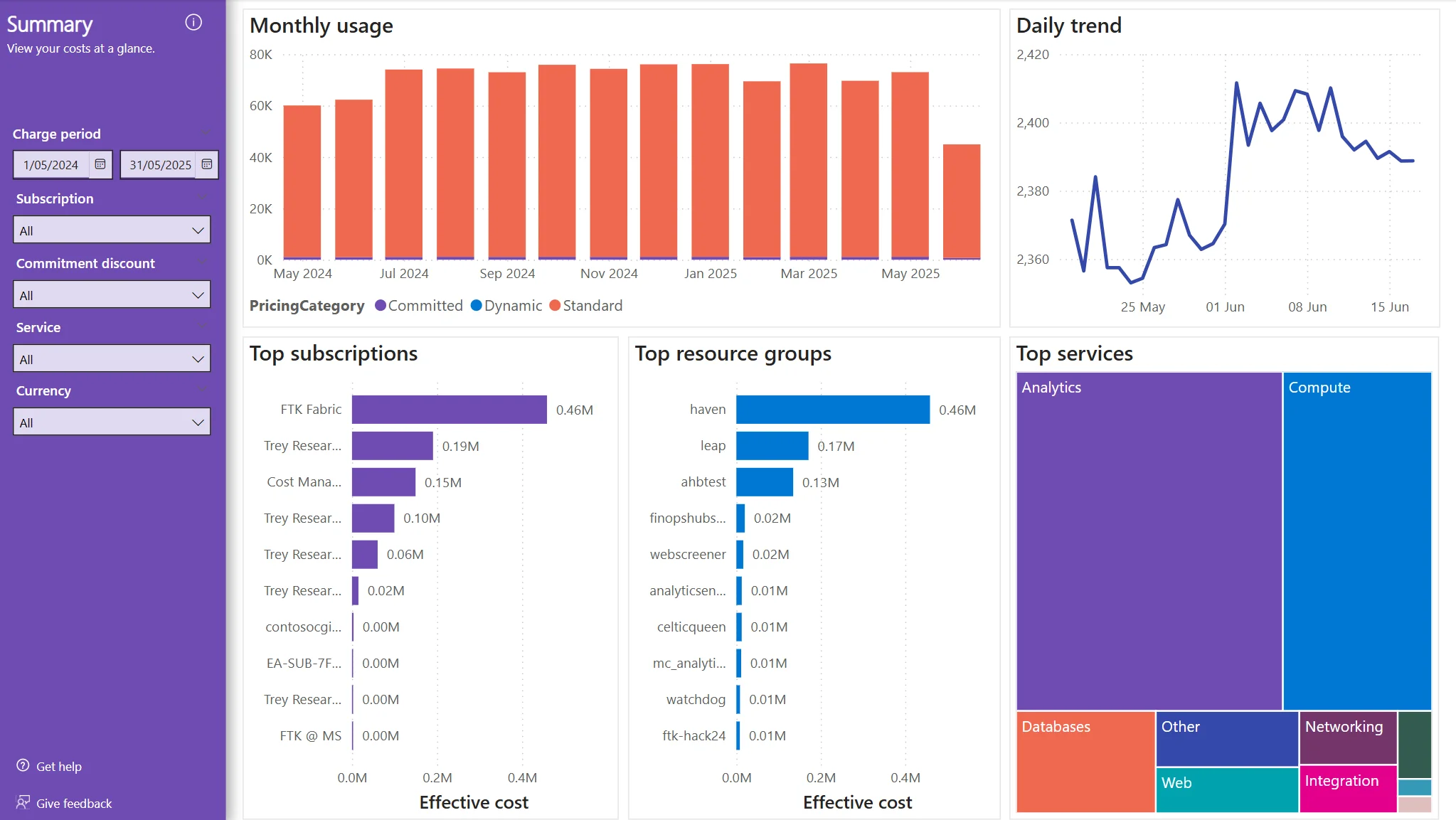
It extends Azure cost reporting and supports additional cost analysis through configured integrations.
Key features
Cost reporting: Provides customizable financial reports.
FinOps hubs: Supports centralized cost-data processing.
Automation components: Extends reporting and financial workflows.
Pros
- ✅ Supports customizable Azure financial reporting.
- ✅ Provides MIT-licensed open-source components.
- ✅ Integrates with Microsoft’s analytics ecosystem.
Cons
- ❌ Requires deployment and maintenance expertise.
- ❌ Supporting Azure services and reporting licenses may incur charges.
Pricing: Toolkit code is free. Microsoft’s FinOps hubs documentation estimates costs starting at approximately $120/month, plus $10/month per $1 million in monitored spending. Actual costs vary by deployment, discounts, and reporting requirements.
Best for: Azure-focused teams building customized FinOps reporting.
Beyond open-source optimization: How Usage.ai helps reduce cloud commitment costs
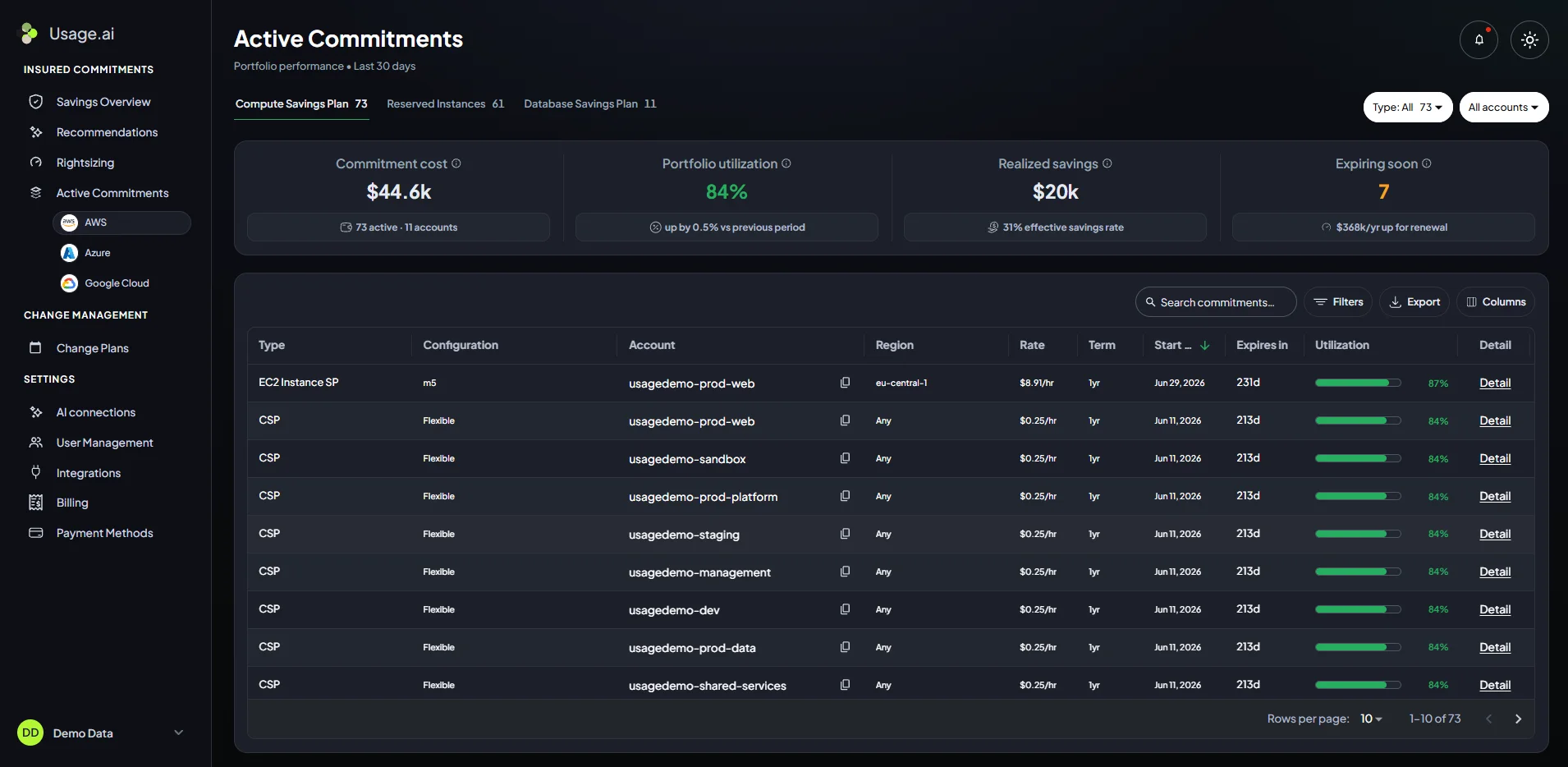
Open-source cost tools can identify unnecessary consumption. We focus on reducing the rates paid for eligible usage that remains after infrastructure optimization.
Key features
Read-only Savings Test: Reviews cloud spending and existing commitment coverage.
Autopilot and CoPilot: Automates eligible purchases within configured controls or lets customers approve recommendations.
Flex Insured Commitments: Offers Cashback Protection for qualifying commitment underutilization.
Savings monitoring: Tracks managed commitment coverage and realized savings.
- ✅ Supports eligible AWS, Azure, and GCP commitment optimization.
- ✅ No upfront platform fee under our savings-based offering.
- ✅ Combines purchasing automation with conditional Cashback Protection.
- ❌ We focus on commitment optimization rather than infrastructure rightsizing or Kubernetes allocation.
Best for: Businesses that want to complement open-source optimization with managed commitment savings.
Explore eligible cloud commitments, potential savings, fees, and cashback eligibility with our team.
What does free cloud software actually cost?
A free license does not eliminate operating expenses.
Self-hosted tools may require computing resources, monitoring storage, security updates, and engineering maintenance.
Consider this hypothetical monthly example:
| Expense | Illustrative monthly cost |
|---|---|
| Software licensing | $0 |
| Hosting and monitoring | $60 |
| Engineering maintenance: 5 hours at $60 | $300 |
| Total | $360 |
These are planning assumptions, not vendor prices.
If an implemented optimization reduces monthly cloud spending by $500, the remaining benefit after these assumed costs would be $140.
Actual savings require verification against billing data.
When native cloud cost tools may be sufficient
Before deploying additional software, evaluate your cloud provider’s existing capabilities.
AWS Cost Explorer, Microsoft Cost Management, and Google Cloud Cost Management provide native cost reporting and related financial controls.
For basic single-cloud reporting and budgeting, these tools may be sufficient.
Open-source solutions become more useful when teams need Kubernetes allocation, infrastructure-as-code estimates, customized reporting, or advanced workflow automation.
How to select the right open-source tool
Match the software to your most important requirement.
For Kubernetes: Use OpenCost for cost allocation and compare Goldilocks or KRR for resource recommendations.
For cloud automation: Choose Cloud Custodian for defined resource policies or OpenOps for configurable approval workflows.
For financial analysis: Consider OptScale for multi-cloud spending, Infracost for predeployment estimates, or Microsoft’s toolkit for Azure reporting.
Before deployment, verify permissions, maintenance requirements, provider coverage, and expected net savings.
Final verdict
OpenCost, Goldilocks, and KRR support Kubernetes cost optimization, while Cloud Custodian and OpenOps help automate cloud cost controls. OptScale provides multi-cloud visibility, Infracost estimates infrastructure costs, and Microsoft FinOps toolkit supports Azure reporting.
The right choice depends on your cloud environment, budget, and automation needs. As a bonus, at Usage.ai we help turn cloud cost visibility into additional savings through eligible commitment optimization and qualifying Cashback Protection.
Frequently asked questions
What are the best open-source cloud cost optimization tools?
OpenCost, Cloud Custodian, OptScale, Infracost, OpenOps, Goldilocks, KRR, and Microsoft FinOps toolkit address different cost monitoring, recommendations, and automation requirements.
Are open-source cloud cost optimization tools completely free?
Not necessarily. Software licensing may be free, but hosting, monitoring, maintenance, and paid services can increase overall expenses.
Which open-source tools support AWS, Azure, and GCP?
Cloud Custodian and OptScale support all three. Infracost estimates supported infrastructure costs, while OpenCost integrates cloud pricing with Kubernetes cost allocation.
Can open-source FinOps tools automatically reduce spending?
Some tools execute configured policies or workflows. Others only provide recommendations. Actual savings depend on implementation and the resulting reductions in cloud costs.
Is Usage.ai an open-source cloud cost optimization tool?
No. We are a commercial commitment management platform. We complement open-source tools through eligible commitment purchasing, savings management, and conditional Cashback Protection.
If you notice incorrect or outdated information, contact us at [email protected]. We’ll review it and update the article where appropriate.