
 AWS
 Microsoft Azure
 Google Cloud


What is cloud infrastructure optimization?
Cloud infrastructure optimization is the ongoing process of matching cloud resources to workload requirements while managing cost, performance, and reliability. It includes selecting appropriate resource types, sizes, and quantities, improving utilization, and identifying resources that are no longer needed.For example, AWS’s resource selection guidance covers choosing the correct resource type, size, and number. AWS Compute Optimizer analyzes configuration and utilization metrics to recommend rightsizing and identify idle resources.
Cloud infrastructure optimization tools help teams investigate these opportunities. Their ability to implement changes varies, making execution scope a central part of this comparison.
For a wider comparison that also covers cost allocation, reporting, and commitment management, see our guide to cloud cost optimization tools.
Cloud infrastructure optimization tools compared
The right tool depends on the resources you need to optimize and how you want changes implemented. This comparison highlights each platform’s focus and execution model. The order is for navigation, rather than an overall ranking.| Tool | Main optimization focus | What it can automate | What to evaluate |
|---|---|---|---|
| Sedai | Resource efficiency based on application behavior, cost, and performance | Resource configuration changes for supported workloads | Supported resources, optimization modes, and performance constraints |
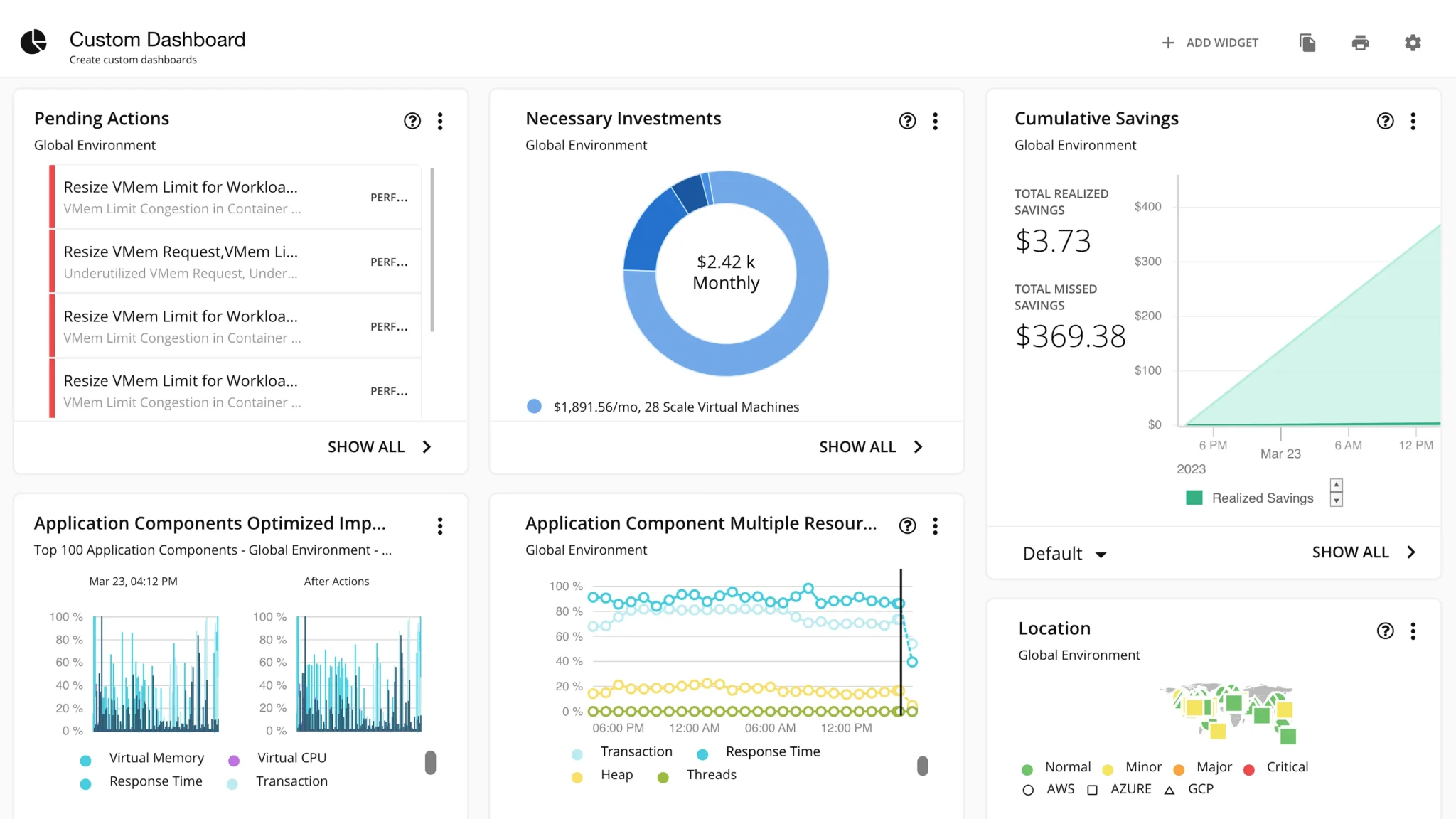
| IBM Turbonomic | Application resource management across hybrid and multicloud environments | Supported resource actions and external workflows, governed by automation policies | Integration coverage, action types, and approval requirements |
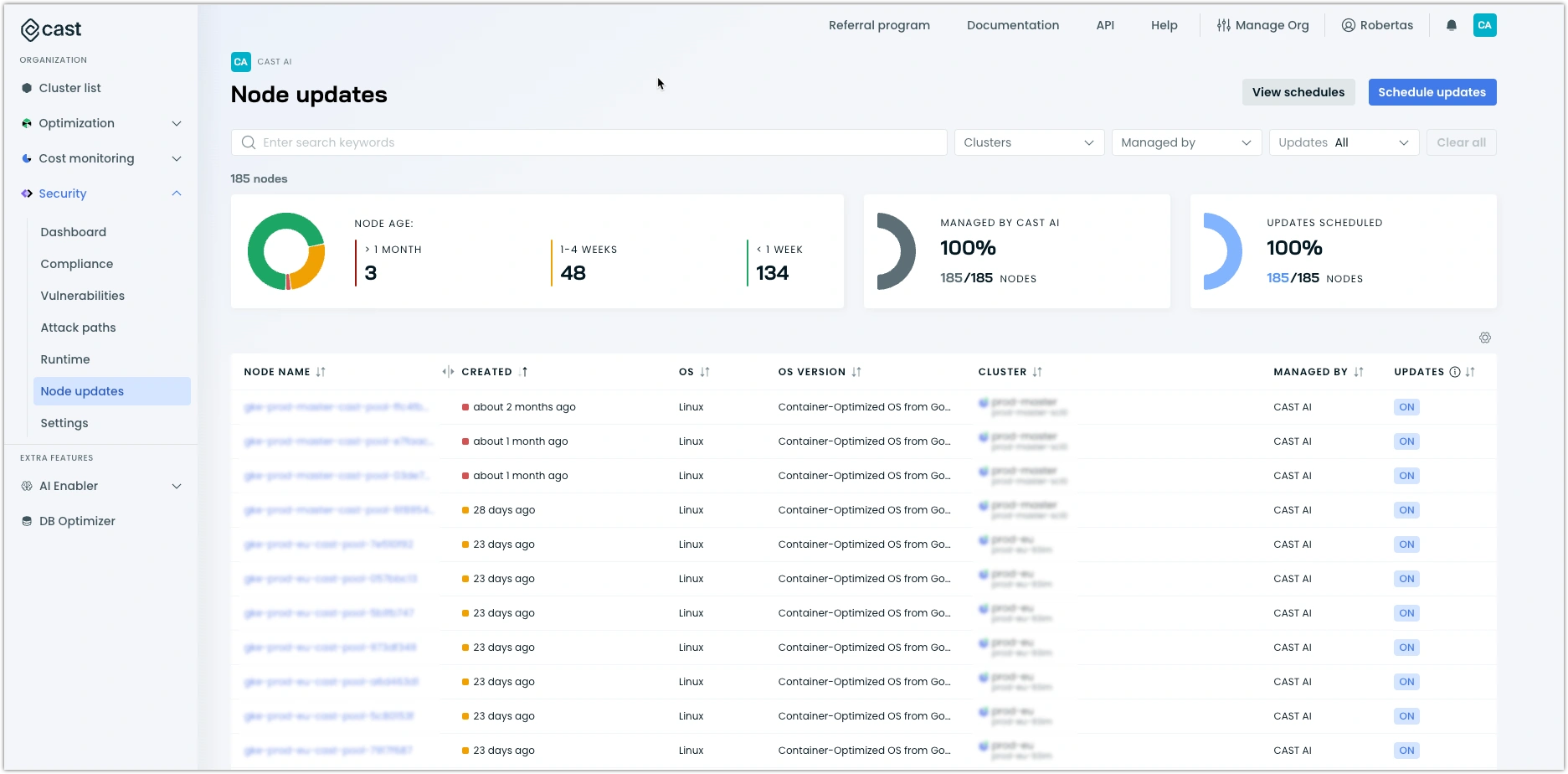
| CAST AI | Kubernetes workload sizing and node efficiency | CPU and memory rightsizing, node consolidation, and eligible Spot instance placement | Workload compatibility, disruption controls, and interaction with existing autoscalers |
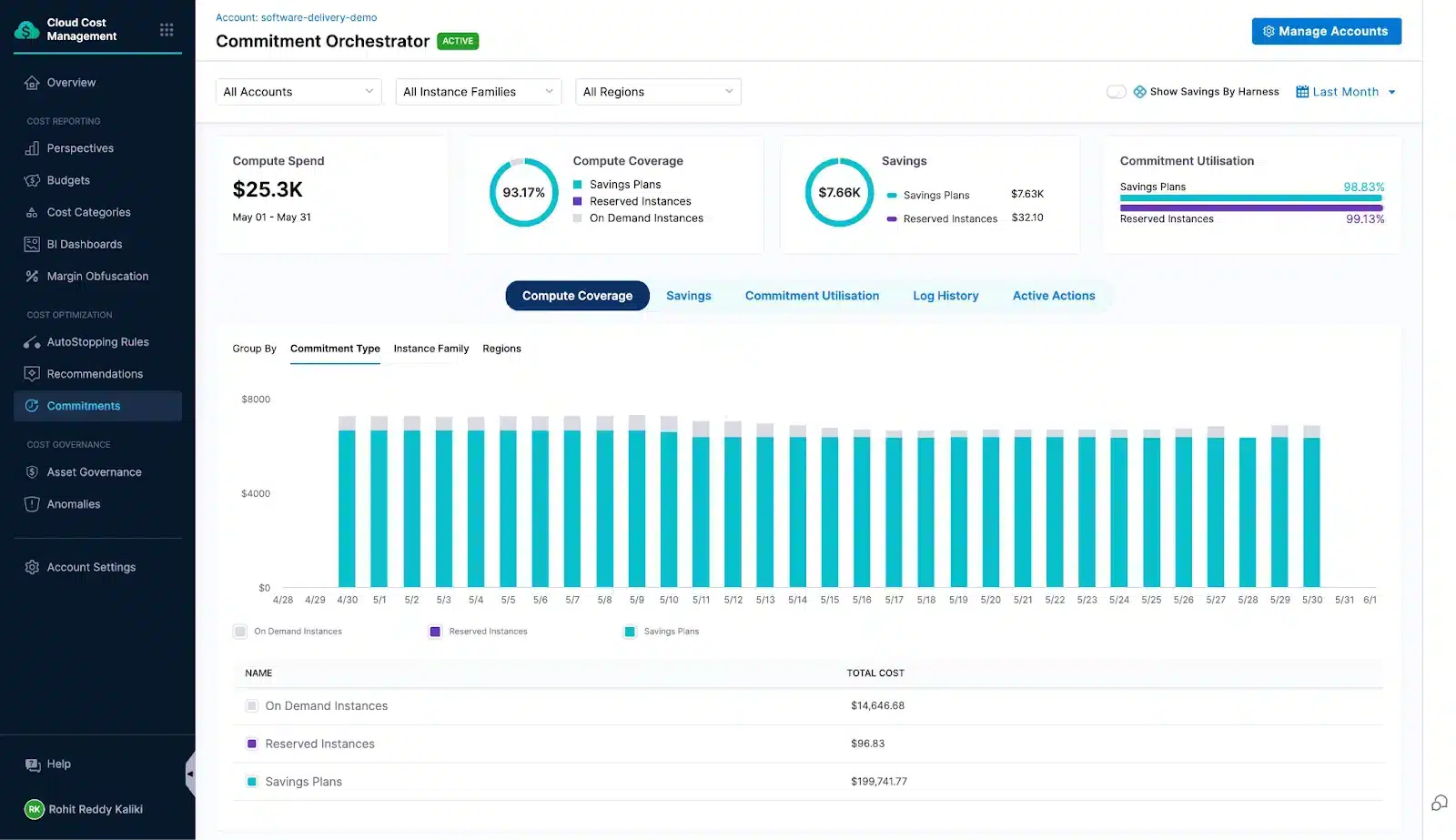
| Harness Cloud & AI Cost Management | Idle workload management and Kubernetes cluster efficiency | AutoStopping for supported workloads and cluster orchestration | Product scope, supported environments, restart behavior, and execution permissions |
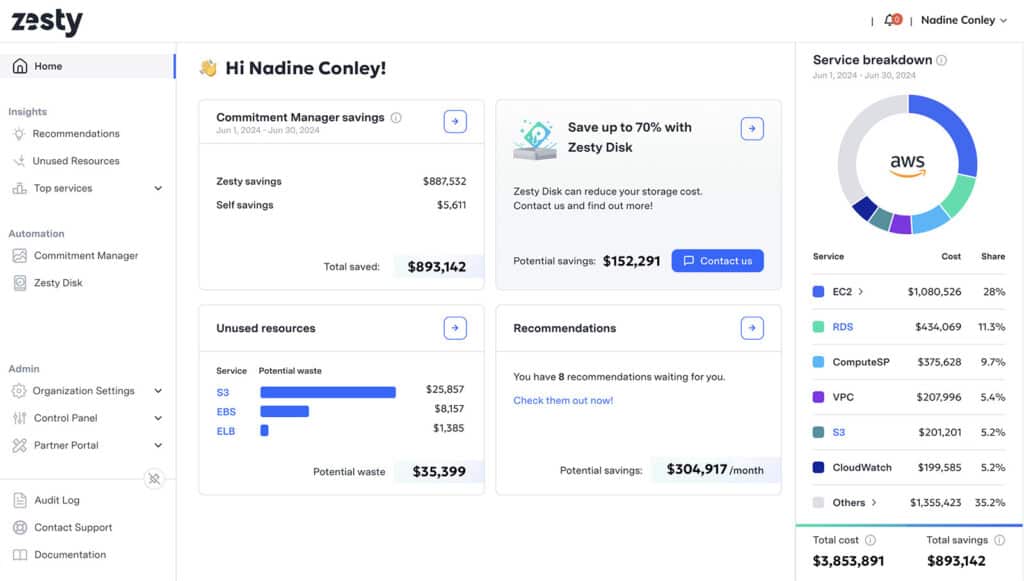
| Zesty | Kubernetes resource utilization | Policy-based pod rightsizing and supported resource optimization | Cluster support, workload policies, and coordination with scaling controls |
| StormForge by CloudBolt | Kubernetes workload CPU and memory settings | Deployment of resource recommendations when automation is enabled | Recommendation settings, deployment methods, and rollout behavior |
How we compare cloud infrastructure optimization tools
We compare these six platforms using their official product documentation, focusing on supported resources, recommendations versus automated actions, performance safeguards, permissions, and implementation requirements. This is a documentation-based comparison, rather than a hands-on benchmark.Each review explains what the platform optimizes, how changes are implemented, and what your team should validate before buying. We distinguish Kubernetes-focused tools from platforms with broader infrastructure coverage, so you can build a shortlist around your workloads.
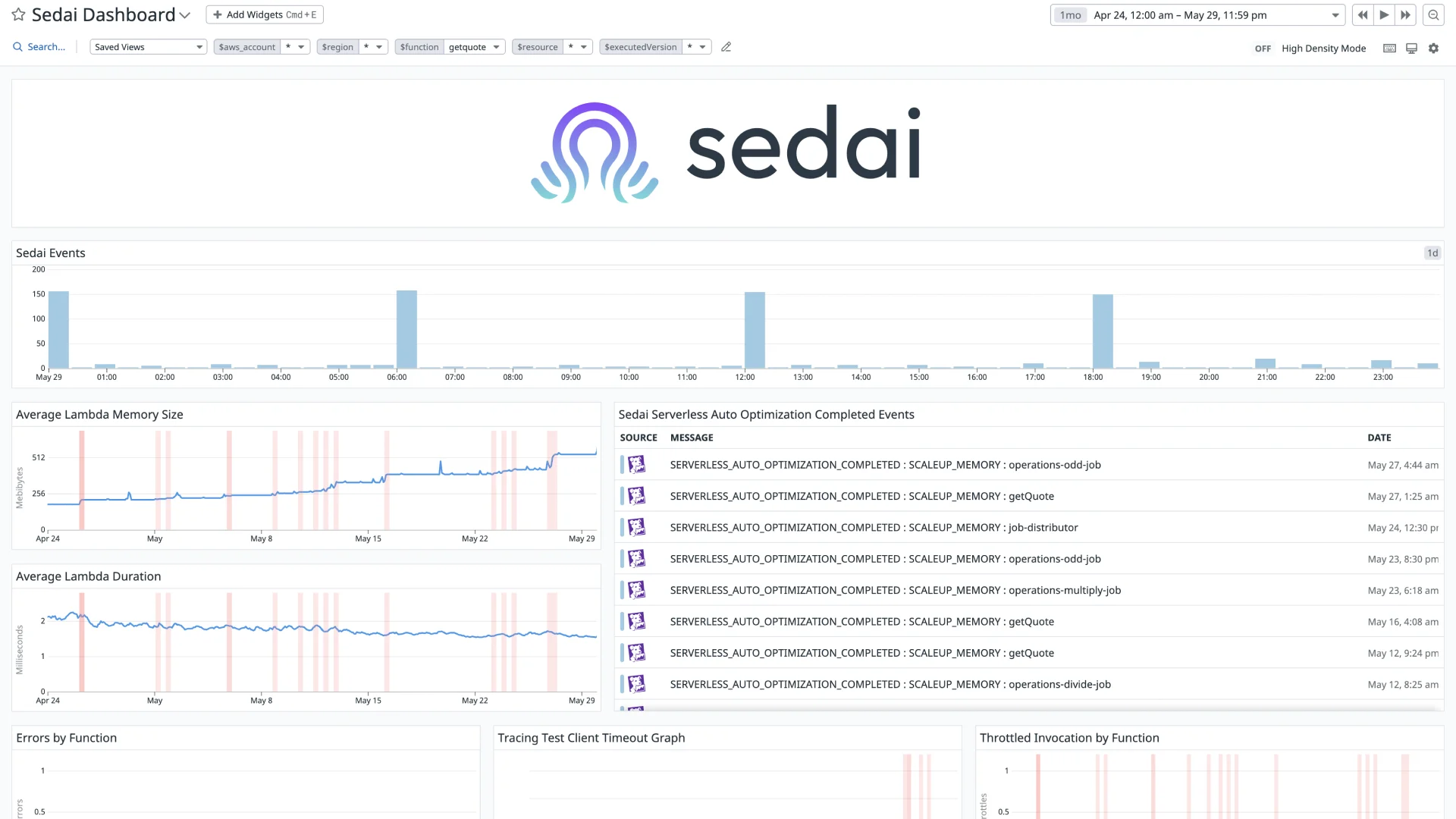
1. Sedai for automated workload rightsizing
Key capabilities
CPU and memory rightsizing for supported workloads.
Vertical and horizontal scaling optimization for supported containers.
Analysis-only, approval-based, and autonomous operating modes.
Configurable optimization goals, workload constraints, and execution windows.
Limitations: Automation differs by resource type. Its settings documentation lists Autopilot support for AWS Lambda, ECS/Fargate, and stateless Kubernetes workloads, with narrower automation scope for storage and virtual machines.
2. IBM Turbonomic for application-aware resource optimization
Key capabilities
Resource optimization across supported AWS, Azure, and Google Cloud services.
Kubernetes optimization for environments including EKS, AKS, and GKE.
Application and database integrations to inform resource decisions.
Policy-controlled resource actions and integration with external execution workflows.
Limitations: Available actions depend on the connected technology and configured automation policies. Confirm the required integrations, permissions, and product edition for your environment.
3. CAST AI for Kubernetes workload and node optimization
Key capabilities
Automated CPU and memory rightsizing for supported workloads.
Node autoscaling and bin packing to improve cluster utilization.
Spot instance automation for eligible workloads.
Cost monitoring at cluster, namespace, and workload levels.
Fully managed modes such as GKE Autopilot do not support CAST AI node automation, but CAST AI Anywhere supports workload optimization and cost monitoring.
For a closer look at Kubernetes buying decisions, see our comparison of GKE cost optimization platforms.
4. Harness for idle workload and cluster automation
Key capabilities
AutoStopping rules that stop supported idle resources and restart them when traffic returns.
Kubernetes node autoscaling and Spot instance orchestration through Cluster Orchestrator.
Cost allocation, budgets, and anomaly detection.
Configurable idle thresholds, schedules, and access settings.
5. Zesty for Kubernetes resource efficiency
Key capabilities
Multi-dimensional autoscaling that coordinates pod rightsizing and replica optimization.
Adaptive pod placement to reduce fragmentation and improve node utilization.
Persistent volume autoscaling for supported storage configurations.
Built-in and custom optimization policies, with visibility into resource changes.
Limitations: Capabilities depend on supported environments and workload configurations. Pod rightsizing can require rolling updates when in-place resizing is unavailable, so evaluate rollout behavior and compatibility with existing deployment controls.
6. StormForge by CloudBolt for Kubernetes resource rightsizing
Key capabilities
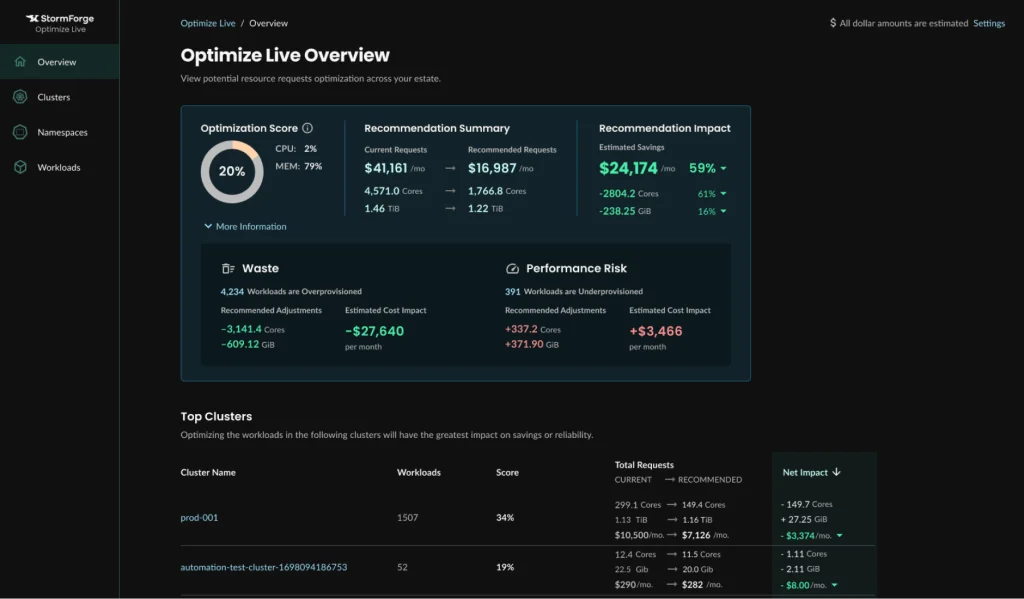
CPU and memory request and limit recommendations.
Horizontal Pod Autoscaler target adjustments for supported configurations.
Configurable optimization goals and recommendation schedules.
Automated deployment with learning periods and change thresholds.
Limitations: Its focus is Kubernetes workload optimization. Automatic deployment requires the Applier component and must be enabled. New workloads have a default seven-day learning period before recommendations can be deployed automatically.
What can cloud infrastructure optimization tools optimize?
Cloud infrastructure optimization tools differ in the resources they analyze and the changes they can implement. Check these four areas against your actual workloads:Compute: Match instance types, CPU, memory, and instance counts to workload demand. Identify idle resources that may be candidates for shutdown.
Kubernetes: Adjust pod resource requests, coordinate scaling, and consolidate workloads onto suitable nodes. Pod rightsizing alone does not necessarily reduce the number of billable nodes.
Storage: Review volume capacity, storage configurations, and resources that may no longer be needed. Storage support varies by platform and service.
Workload schedules: Stop eligible environments during idle periods and restart them when needed, accounting for startup time and application dependencies.
During evaluation, ask each vendor to demonstrate a change on a representative workload and show its effect on resource consumption, performance, and billed costs.
When are native cloud infrastructure optimization tools enough?
Native cloud infrastructure optimization tools are a practical starting point when their supported resources, recommendations, and execution options match your needs.| Provider | Native option | What it helps with |
|---|---|---|
| AWS | Compute Optimizer | Rightsizing and idle-resource recommendations, plus automation for supported EBS actions. |
| Microsoft Azure | Azure Advisor | Recommendations based on resource configurations and usage, with Quick Fix remediation for specific recommendations. |
| Google Cloud | Recommender | Resource-specific recommendations, including machine-type changes and identification of idle VMs and disks. |
When should you consider third-party software?
Evaluate additional software when you need:A shared workflow across environments: Investigate and manage optimization across multiple providers or clusters.
Additional resource automation: Execute changes that your current native setup does not automate.
Coordinated optimization: Manage interactions between workload sizing, scaling, and cluster capacity.
Less ongoing engineering work: Reduce the effort required to investigate, implement, and track recurring changes.
How to evaluate cloud infrastructure optimization tools before buying
Test shortlisted cloud infrastructure optimization tools against the same representative workloads and billing period. Include normal demand, traffic peaks, and deployment activity.Establish the baseline. Record resource configurations, utilization, performance, and billed costs. Include existing discounts so vendors are measured against what you already achieve.
Validate the opportunity. Ask the platform to explain a specific recommendation, its supporting metrics, and expected impact. Check application dependencies before approving a change.
Test execution and recovery. Confirm permissions, approval controls, maintenance windows, and recovery procedures. Observe whether changes restart workloads or interfere with existing autoscalers and deployment tools.
Measure the implemented result. Compare resource consumption, performance, and billing after the change. Account for demand changes, software fees, onboarding, and ongoing engineering effort.
Reassess commitment coverage. Rightsizing and shutdowns can change the usage available to consume commitments. Evaluate resource changes and commitment purchases together, without counting the same savings twice.
For a worked financial example, see our guide to evaluating GCP FinOps platform ROI.
Efficient cloud infrastructure still has a cost. After rightsizing resources and removing idle capacity, teams can evaluate commitment discounts for the eligible usage that remains.
Usage.ai supports this layer of infrastructure cost optimization by managing Savings Plans, Reserved Instances, and committed use discounts across AWS, Azure, and Google Cloud, with automated purchasing or approval-based controls. Cashback protection applies to qualifying unused commitment value under the customer’s agreement.
Which cloud infrastructure optimization tool should you choose?
Choose cloud infrastructure optimization tools around the resources you need to improve and the changes your team is prepared to authorize.For supported application workloads: Evaluate Sedai for ongoing rightsizing and scaling optimization.
For hybrid infrastructure: Consider IBM Turbonomic for application-aware resource management across cloud and data center environments.
For Kubernetes: Compare CAST AI, Zesty, and StormForge based on whether you need node automation, coordinated scaling, or workload resource tuning.
For idle environments and engineering workflows: Evaluate Harness's AutoStopping and cluster orchestration capabilities against your supported workloads.
See how Usage.ai manages eligible cloud commitments in a 15-minute demo.
Frequently asked questions
What is the difference between infrastructure optimization and cost management?
Infrastructure optimization improves how resources are configured and used. Cost management also includes budgeting, cost allocation, forecasting, and reporting. Some platforms combine these capabilities, but their execution scope varies.
Do cloud infrastructure optimization tools automatically change resources?
Some do. Others provide recommendations or require approval before execution. Automation depends on the resource, integration, permissions, and operating mode. Verify support for each action you intend to enable.
Are native cloud optimization tools enough?
They can be when their resource coverage and execution options meet your needs. Consider third-party software when it addresses a specific gap, such as coordinated Kubernetes optimization or workflows across multiple environments.
Does Kubernetes rightsizing always reduce the cloud bill?
No. Lower pod resource requests can free capacity without reducing billable nodes. Check whether the resulting capacity allows node consolidation or removal, and verify the effect on actual costs.
How does infrastructure optimization affect existing commitments?
Rightsizing, shutdowns, and workload retirement can reduce eligible usage, potentially leaving commitments underutilized. Review existing coverage and planned infrastructure changes together before purchasing additional commitments.
If you notice any material information that is incorrect, outdated, or no longer applicable, please contact us at [email protected]. We’ll review it and update the article where appropriate.