AWS
AWS Microsoft Azure
 Google Cloud

FinOps teams also need to decide how much usage to cover, keep commitments highly utilized, account for Savings Plans and Reserved Instances they already own, and manage the financial impact when workloads change.
That makes Savings Plans management a portfolio and risk-management problem and not simply a discount decision.
In this guide, we compare 10 AWS Savings Plans management tools based on automation, coverage and utilization management, purchasing controls, treatment of existing commitments, commitment-risk strategy, and commercial model.
The short answer
The best AWS Savings Plans management tool depends on how much automation and commitment risk you want a platform to manage.Usage.ai is our top pick for teams that want to increase AWS commitment savings without taking on more unmanaged commitment risk. ProsperOps is a strong option for autonomous portfolio optimization, nOps combines commitments with broader AWS compute optimization, Vantage brings Savings Plans automation into a wider FinOps platform, and AWS native tools work well for teams that want to retain direct purchasing control.
There is no universal winner. The right choice depends on your usage patterns, existing commitments, governance requirements, risk tolerance, and expected net savings.
You do not need to replace your current setup to find out whether there is more savings opportunity. Usage.ai can analyze your existing commitments and usage first.
See your AWS savings opportunity →
How we evaluated these tools
We focused the evaluation on the capabilities that most directly influence AWS commitment outcomes, rather than giving equal weight to broader FinOps functionality.| Criterion | Weight |
|---|---|
| Commitment automation | 20% |
| Commitment-risk management | 20% |
| Coverage and utilization management | 15% |
| Treatment of existing commitments | 15% |
| Governance and purchasing controls | 10% |
| Commercial alignment | 10% |
| Breadth of commitment support | 10% |
Best AWS Savings Plans management tools compared
| Tool | Best for | Automation | Primary risk approach |
|---|---|---|---|
| Usage.ai | Reducing commitment downside | Automated or approval-based | Cashback protection |
| ProsperOps | Autonomous portfolio optimization | Automated | Adaptive Laddering |
| nOps | AWS compute + commitments | Automated | Commitment and workload optimization |
| Vantage | FinOps + SP automation | Automatic or approval-based | Coverage-driven purchasing |
| Zesty | Dynamic commitment portfolios | Automated | Micro-commitments |
| Archera | Flexible commitment structures | Automated options | Rebate and release mechanisms |
| AWS | Native SP management | Customer-controlled | Customer retains commitment risk |
| IBM Cloudability | Enterprise planning | Recommendation/workflow focused | Portfolio and scenario analysis |
| Flexera One Cloud Commitment Management | Broader commitment portfolios | Automated | Portfolio lifecycle management |
| Hykell | AWS-focused rate optimization | Automated | Mixed SP and RI strategy |
1. Usage.ai: best for reducing commitment downside
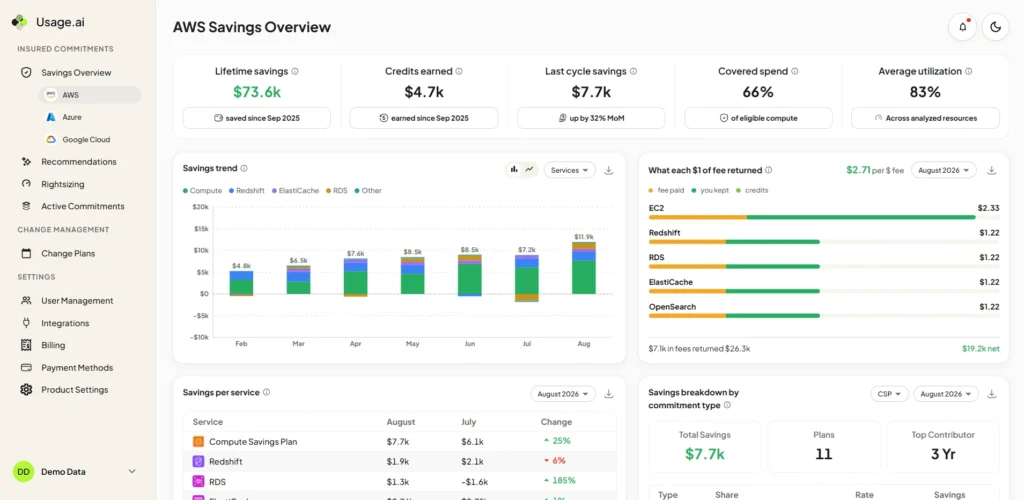
Our Flex Commitments analyze usage, identify commitment opportunities, and manage eligible commitments while accounting for Savings Plans and Reserved Instances you already own. Pricing is performance-based, so fees are tied to realized savings rather than a standalone platform subscription.
The main differentiator is how we approache commitment downside. Instead of relying only on portfolio construction or staggered purchasing to reduce risk, eligible commitments can receive cashback protection when the financial outcome falls below the applicable protection threshold under program terms.
We also support AWS Database Savings Plans across the commitment lifecycle, including analysis, sizing, purchasing, and utilization monitoring.
That makes our platform most relevant for teams that want to increase commitment coverage without treating underutilization risk as something they must absorb entirely themselves.
Learn more about how Usage.ai Flex Commitments work.
- Best for: Teams that want automated AWS commitment management with additional financial downside protection.
- Considerations: Confirm eligibility, fees, IAM permissions, commitment ownership, cashback terms, and savings reconciliation.
Run a Usage.ai Savings Test against your existing usage and commitments before changing your current process.
Talk to a FinOps expert →
2. ProsperOps: best for autonomous rate optimization
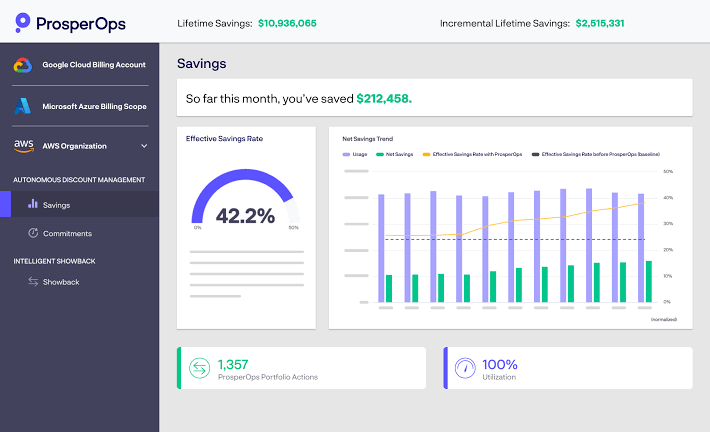
Its approach continuously manages a portfolio of Savings Plans and Reserved Instances instead of relying on periodic manual purchases.
A key component is Adaptive Laddering, where smaller Savings Plans are purchased at different points in time rather than creating one large commitment with a single expiration date. Each expiration creates another opportunity to adjust the portfolio if usage has grown or declined.
ProsperOps says its system continuously evaluates current usage, historical patterns, other discount instruments, and commitment expiration points when managing the ladder.
This can make ProsperOps attractive to large AWS environments where manually managing an evolving portfolio would require significant FinOps effort.
- Best for: FinOps teams that want mature autonomous portfolio optimization.
- Considerations: Confirm current pricing, purchasing permissions, treatment of existing commitments, and current packaging following Flexera’s acquisition of ProsperOps.
3. nOps: best for AWS compute plus commitment optimization
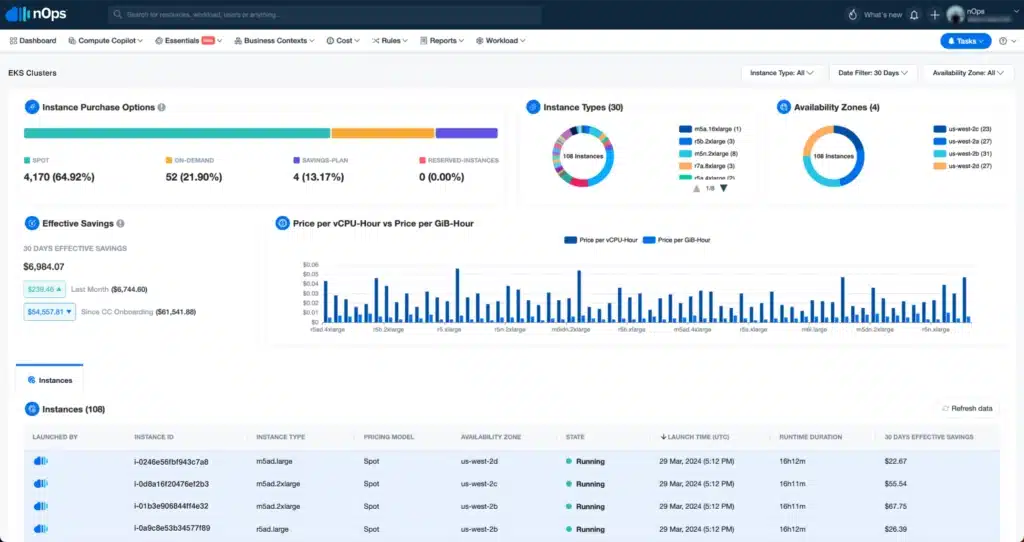
Its Compute Copilot evaluates Savings Plans, Reserved Instances, Spot, and On-Demand usage rather than treating commitment purchasing as an isolated activity.
For example, nOps can identify workloads that may be moved to Spot, allowing available commitments to cover workloads that would otherwise run On-Demand. Its broader model therefore considers both the discount portfolio and how workloads consume those purchasing options.
Learn more about nOps pricing model.
This makes nOps particularly relevant when the FinOps problem involves both what commitments to own and how compute workloads should be optimized.
- Best for: AWS-heavy teams that want commitment management and compute optimization together.
- Considerations: Review pricing, required account structure, permissions, workload automation scope, and how applicable utilization protections work.
4. Vantage: best for Savings Plans automation inside FinOps
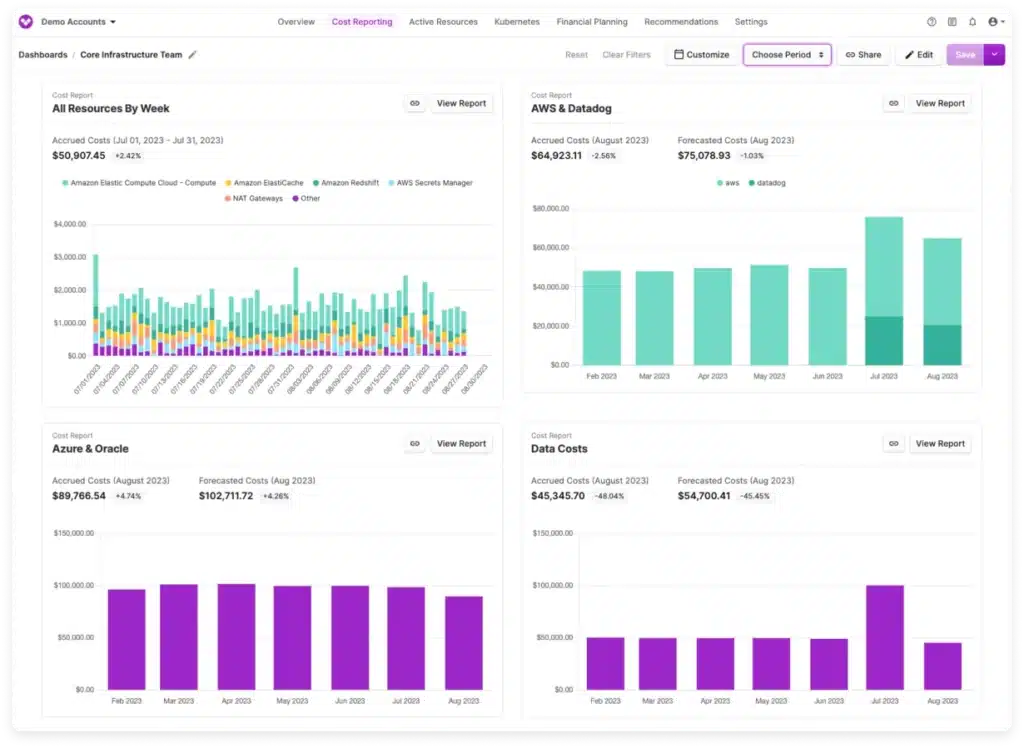
Autopilot can analyze AWS usage and purchase Savings Plans automatically or through controlled workflows. It considers existing Savings Plans when determining additional coverage and provides configurable inputs including lookback period, commitment term, payment preferences, and purchasing controls.
Vantage also supports AWS Database Savings Plans recommendations.
The main appeal is consolidation. Organizations already using Vantage for cost reporting, allocation, and broader FinOps workflows can manage Savings Plans within the same platform.
- Best for: Teams that want Savings Plans automation within a broader FinOps platform.
- Considerations: Compare total platform cost, purchasing controls, recommended coverage assumptions, and who retains commitment risk.
5. Zesty: best for dynamic commitment portfolios
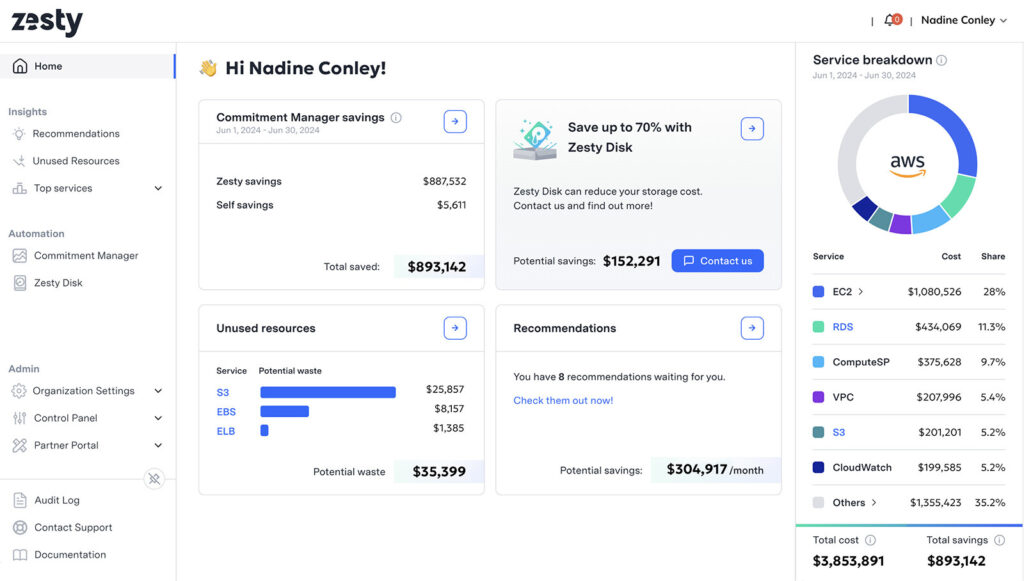
Rather than purchasing large static commitments, Zesty uses smaller commitments with staggered expiration dates. As demand grows, additional commitments can be purchased. When usage falls, expiring commitments can be allowed to lapse.
The objective is to make coverage more adaptable than a traditional large annual purchase while still capturing commitment-based discounts.
Zesty supports both Compute and Database Savings Plans. See Zesty Alternatives in 2026.
- Best for: AWS teams that want commitment coverage to adjust progressively as usage changes.
- Considerations: Review pricing, coverage settings, existing commitment treatment, and how staggered commitments perform during sustained usage declines.
6. Archera: best for flexible commitment structures
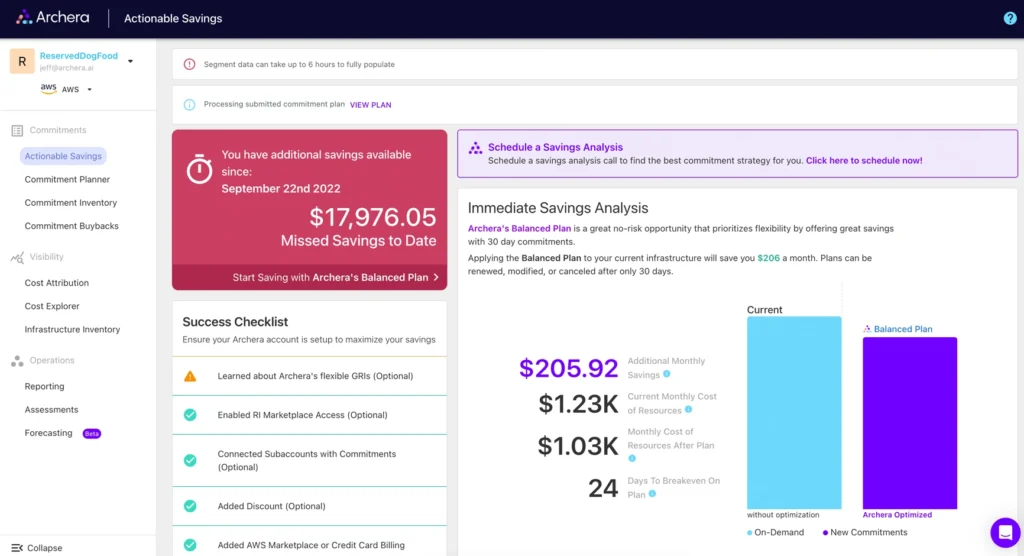
Rather than relying only on standard one-year or three-year structures, Archera offers mechanisms designed to reduce lock-in through shorter terms and financial protection.
Depending on the product and agreement, these can include rebate or release guarantees. That can be attractive for workloads affected by migrations, architecture changes, or uncertain demand.
The trade-off is that buyers need to compare the cost of the guarantee and resulting net savings against both native AWS commitments and other third-party risk-management strategies.
- Best for: Teams prioritizing flexibility and explicit commitment-risk mechanisms.
- Considerations: Compare guarantee costs, eligibility, release terms, underlying commitment ownership, and net savings after protection costs.
7. AWS: best native option
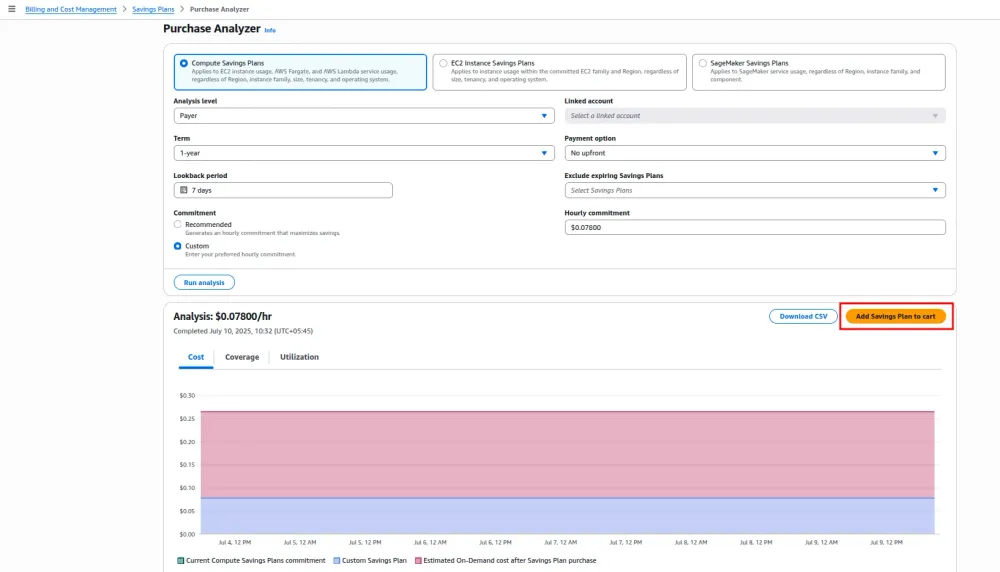
The Savings Plans Purchase Analyzer lets teams model purchases using factors such as Savings Plan type, commitment amount, target coverage, term, payment option, lookback period, and existing commitments. Explore AWS Savings Plans Purchase Analyzer.
AWS Cost Explorer separately provides coverage and utilization reporting, giving teams visibility into how much eligible usage receives Savings Plans pricing and how effectively purchased commitments are being consumed.
One important limitation is forecasting. Historical usage does not automatically represent future demand, especially when workloads are growing, migrating, or being retired.
AWS also provides a limited return mechanism for qualifying recent purchases. Eligible Savings Plans with an hourly commitment of $100 or less may be returned within seven days of purchase and within the same calendar month, subject to AWS eligibility requirements and limits. Review AWS Savings Plan return rules.
- Best for: Teams comfortable analyzing, purchasing, and managing commitments themselves.
- Considerations: Your organization remains responsible for forecasting and longer-term commitment performance.
8. IBM Cloudability: best for enterprise planning
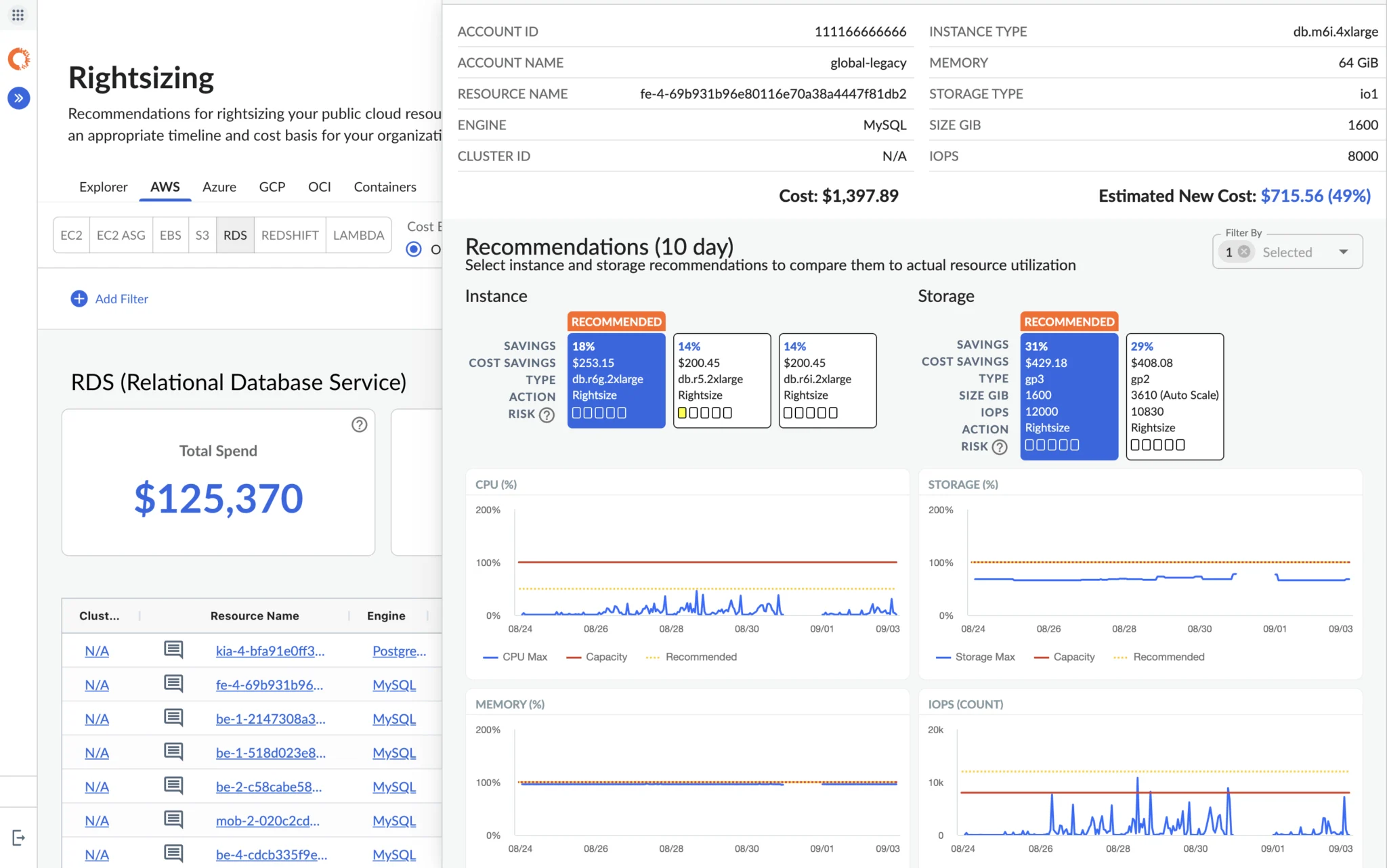
Its commitment capabilities include portfolio visibility, recommendations, coverage and utilization analysis, and scenario modeling. This lets teams evaluate different commitment strategies within a wider planning and governance framework.
Cloudability also emphasizes net economics rather than gross savings alone. IBM defines commitment net savings by accounting for savings and commitment waste. See IBM’s Pricing & Hidden Costs.
- Best for: Enterprises where planning and governance matter alongside commitment optimization.
- Considerations: Confirm which activities provide recommendations or workflow support versus fully automated purchasing.
9. Flexera One Cloud Commitment Management: best for broader commitment portfolios
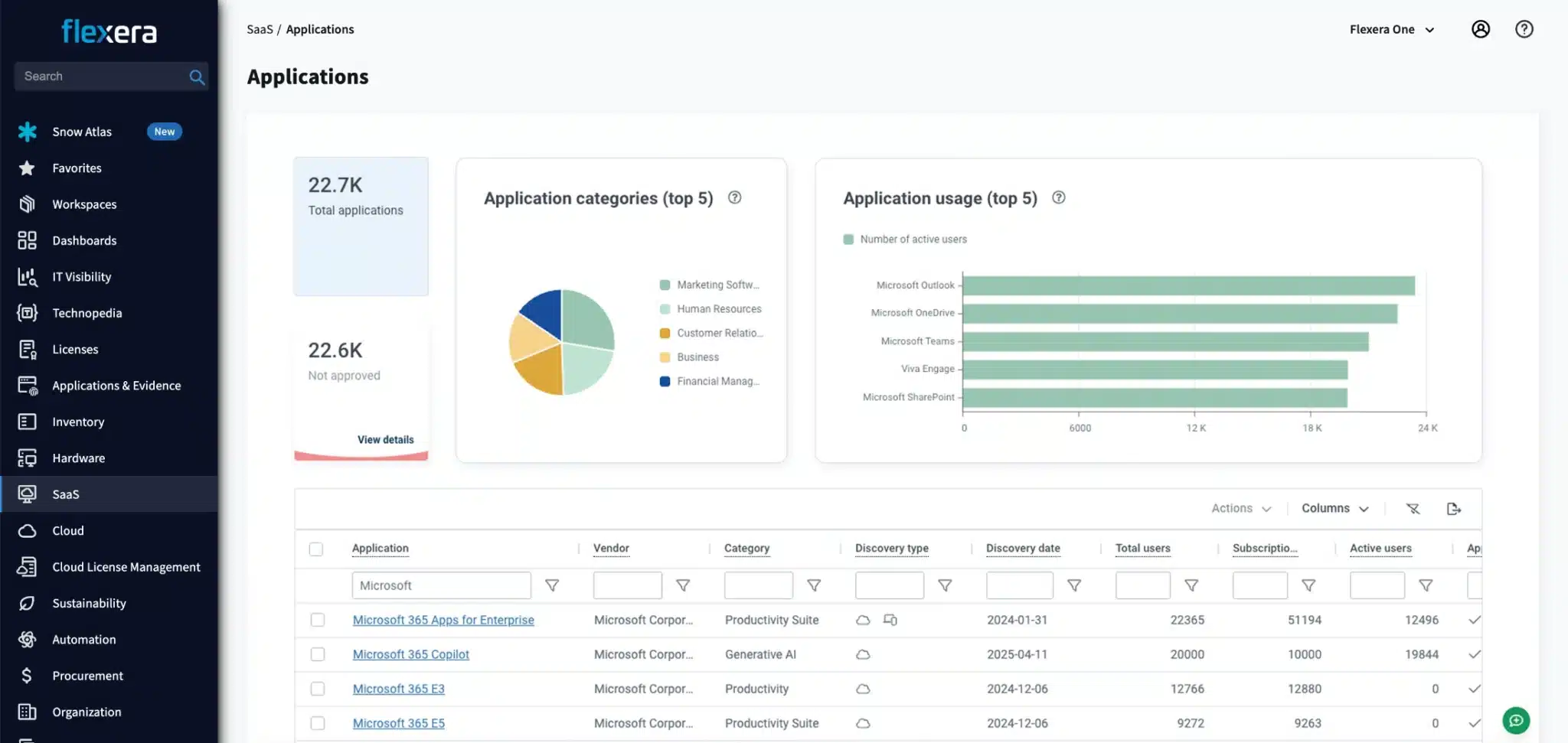
For AWS, the platform can manage Savings Plans and Reserved Instances using portfolio strategies designed to keep commitments aligned with changing usage.
The former Eco model includes layering commitments over time and combining multiple commitment instruments rather than relying on a single large purchase.
It also sits inside Flexera’s wider FinOps ecosystem, making it particularly relevant for enterprises already evaluating Flexera for cloud financial management across providers.
Learn more about Flexera’s Reviews: Is It Worth It in 2026?
- Best for: Enterprises looking for automated commitment management within a broader FinOps platform.
- Considerations: Confirm current packaging, pricing, automation scope, managed-service involvement, and integration with the wider Flexera One environment.
10. Hykell: best emerging AWS rate-optimization specialist
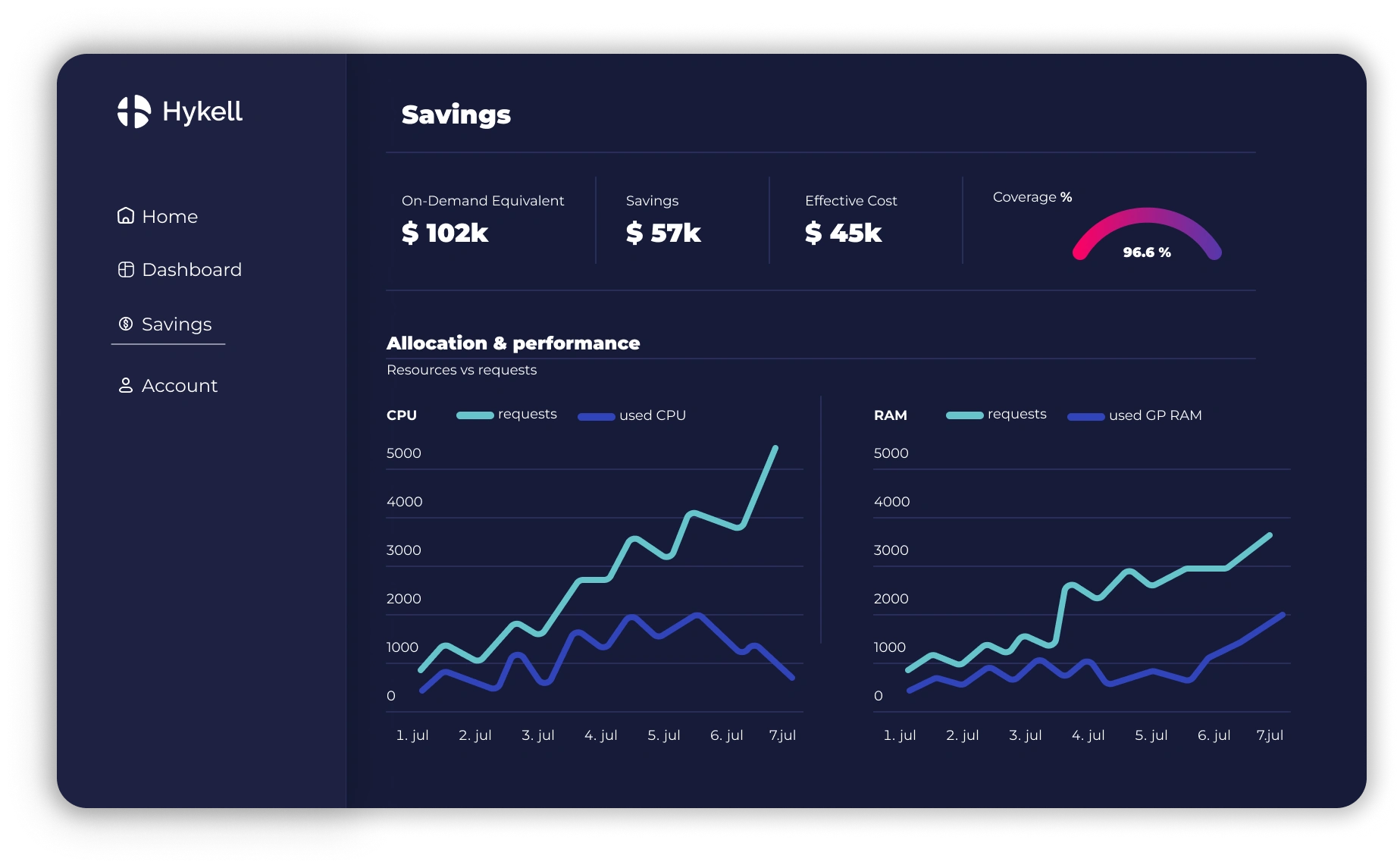
Its product material describes analyzing billing and usage data and evaluating combinations of Savings Plans, Reserved Instances, and other purchasing options to improve the overall discount portfolio.
That broader rate-optimization perspective may appeal to AWS teams that want to evaluate their overall commitment strategy rather than manage Savings Plans in isolation.
- Best for: Teams evaluating a smaller AWS-focused rate-optimization specialist.
- Considerations: Validate purchasing mechanics, governance controls, commitment ownership, customer scale, supported instruments, pricing, and contractual treatment when usage changes.
Which AWS Savings Plans tool should you choose?
Start with the problem you are trying to solve.| Your priority | Tool to consider |
|---|---|
| Manage commitments directly in AWS | AWS |
| Increase savings while reducing financial downside | Usage.ai |
| Autonomous commitment portfolio optimization | ProsperOps |
| Combine commitments with Spot and compute optimization | nOps |
| Savings Plans automation inside broader FinOps | Vantage |
| Smaller, staggered commitment purchases | Zesty |
| Shorter commitment structures and guarantees | Archera |
| Enterprise planning and scenario analysis | IBM Cloudability |
| Broader multi-cloud commitment management | Flexera One |
Compare net savings, not headline discounts
One of the biggest mistakes when comparing Savings Plans tools is focusing on headline discount rates.A better measure is realized net savings:
A strategy generates $120,000 in gross savings, but creates $20,000 in unused commitment and $8,000 in fees.
That is why coverage and headline discount rates should not be evaluated in isolation. The stronger commitment strategy is the one that produces the best net result after utilization, waste, fees, and risk are accounted for.
Do Database Savings Plans change the comparison?
Yes.AWS introduced Database Savings Plans in December 2025, extending the hourly spend-commitment model to eligible database usage.
That changes the comparison because Savings Plans management is no longer only a compute question. FinOps teams now need to ask:
whether a platform can analyze database spend,
account for existing commitments,
size new purchases, monitor utilization, and
manage commitment risk across both compute and database services.
Review the official AWS Database Savings Plans announcement for the provider-level details, and see how Usage.ai supports Database Savings Plans across the full lifecycle for analysis, sizing, purchasing, and ongoing commitment management.
When comparing vendors, verify current service coverage, automation depth, treatment of existing commitments, and how each platform manages utilization and downside risk.
What should you ask every Savings Plans vendor?
Before choosing a platform, ask:Does it recommend, purchase, or continuously manage commitments?
How does it treat Savings Plans and Reserved Instances you already own?
Who purchases and owns the underlying AWS commitment?
How are coverage and utilization calculated?
What happens when usage falls?
Which approval and purchasing controls are available?
How are fees calculated?
How is realized savings measured?
Which AWS permissions are required?
Does it support Database Savings Plans?
What happens to managed commitments if you leave?
Final verdict
There is no single best AWS Savings Plans management tool for every organization.AWS native tools are often enough if your usage is predictable and your team is comfortable making and managing commitment decisions directly.
Third-party platforms become more useful when you want continuous automation, more sophisticated portfolio management, or additional protection when demand changes.
For teams asking “How much more can we safely commit?”, Usage.ai is worth evaluating.
Instead of replacing your current process immediately, start by comparing it.
A Usage.ai Savings Test can help you evaluate:
Commitments you already own
Current coverage and utilization
Additional commitment opportunity
Expected savings
Potential commitment downside
How the economics compare with your current approach
Connect in 15 minutes to compare current commitment coverage, risk, and potential savings before choosing a platform.
Frequently asked questions
What is the best AWS Savings Plans management tool?
The best tool depends on what you need most. Usage.ai is a strong fit for teams that want automated commitment management with additional downside protection. ProsperOps is better suited to autonomous portfolio optimization, nOps combines commitments with broader AWS compute optimization, and AWS native tools work well for teams that want to retain direct control.
What is the difference between Savings Plans coverage and utilization?
Coverage measures how much eligible AWS usage receives Savings Plans pricing. Utilization measures how much of the commitment you purchased is actually consumed. High coverage is only valuable when utilization stays strong, so the goal is not simply to maximize coverage.
Can AWS Savings Plans be managed automatically?
Yes. Third-party platforms can automate parts of the Savings Plans lifecycle, including analysis, purchasing, monitoring, and ongoing portfolio management. The level of automation varies by vendor, so buyers should check whether a platform only recommends purchases or also executes and continuously manages them.
What happens if an AWS Savings Plan is underutilized?
Savings Plans are hourly commitments. If your eligible usage in a given hour is lower than the amount you committed to, the unused portion does not roll forward. You still pay for that commitment, which can reduce your realized savings and is why commitment sizing matters.
Are AWS Savings Plans management tools worth paying for?
They can be, especially when the additional realized savings, reduced commitment waste, automation, and time saved exceed the platform cost. The better comparison is your current net savings versus the expected result after vendor fees, unused commitment cost, and any protection or guarantee costs.
If you notice any material information that is incorrect, outdated, or no longer applicable, please contact us at [email protected]. We’ll review the information and update the article where appropriate.