 AWS
 Microsoft Azure
 Google Cloud

How We Evaluated Enterprise Backup Solutions
We used the following questions to assess recovery, security, workload coverage, and day-to-day management. Coverage varies by platform, so we distinguish built-in capabilities from those requiring integrations or additional products. Product information was reviewed on October 27, 2026.
What can it protect? Which on-premises, cloud, and SaaS workloads are supported? We look for specific coverage of virtual machines, databases, files, applications, and containers, plus edge or branch environments where relevant.
Can recovery meet business requirements? Does it support the backup frequency, retention, and restore options needed for your RPO and RTO targets? Can teams test recovery and validate application dependencies?
Can backups withstand deletion or tampering? What immutable storage, isolation, and access controls are available, and what must administrators configure to enforce them?
Can it identify suspicious changes? Does it provide native or integrated detection of unusual backup activity or potential ransomware, and help teams investigate recovery points?
Can teams manage protection centrally? Can administrators apply policies, monitor failures, and identify unprotected workloads across the environments the platform supports?
Can it support retention and audit requirements? Does it provide configurable retention, activity logs, and reports that help demonstrate whether backup policies are being followed?
Native Enterprise Backup Solutions from AWS, Azure, and Google Cloud
Before adding another platform, check what your cloud provider already offers. Native enterprise backup solutions provide automated protection and recovery controls for supported workloads. The decision is whether their coverage and management capabilities meet your requirements.| Native solution | What it offers | When to consider a third-party solution |
|---|---|---|
| AWS Backup | Centralized backup policies, scheduling, and monitoring for supported AWS resources and VMware environments. Capabilities include cross-account and cross-Region copies, Vault Lock, logically air-gapped vaults, restore testing, and audit reporting. Availability varies by resource and Region. | You need shared policies and reporting across AWS, other clouds, and SaaS applications, or protection for workloads outside AWS Backup's supported scope. |
| Azure Backup | Policy-based protection for supported Azure and on-premises workloads, including VMs, disks, files, databases, and AKS. Security options include soft delete, immutable vaults, and multi-user authorization, with support depending on the workload and vault type. | You need to coordinate Azure protection with other clouds, SaaS applications, or a broader on-premises estate through a common management platform. |
| Google Cloud Backup and DR | Scheduled and on-demand backups, centralized management, and backup vaults with enforced retention. Supported workloads include Compute Engine, disks, Cloud SQL, AlloyDB, Filestore, and selected VMware and database environments. Some workloads require appliances and a separate console; check legacy-console deprecation deadlines. | You need broader cross-cloud or SaaS coverage, or want to consolidate backup workflows that otherwise span multiple services and management interfaces. |
When Does a Third-Party Backup Platform Make Sense?
Consider a third-party platform when it closes a specific gap: an unsupported workload, fragmented reporting, duplicated administration, or a recovery workflow your native setup cannot deliver.Ask vendors to demonstrate that capability for your environment, including any extra licenses, appliances, or integrations it requires.
Also distinguish backup and restore from disaster recovery orchestration. AWS Elastic Disaster Recovery and Azure Site Recovery provide replication and recovery capabilities alongside their respective backup services.
A requirement for failover does not automatically mean you need a third-party tool.
Enterprise Backup Solutions Compared at a Glance
| Vendor | Main strength | Recovery capabilities | Pricing basis | Key consideration |
|---|---|---|---|---|
| Veeam | Hybrid and multi-cloud protection | Instant Recovery and SureBackup verification | Per workload and edition | SaaS and Kubernetes products licensed separately |
| Druva | Managed SaaS backup infrastructure | Granular restores and sandbox recovery for supported workloads | Workload-specific; per-user SaaS option | VMware protection requires local proxies |
| Rubrik | Policy-based protection and cyber recovery | Threat investigation and recovery orchestration | Custom subscription quote | Cyber recovery features vary by edition |
| Cohesity | Centralized protection at scale | Granular recovery and mass restore | Capacity-based; varies by offering | SaaS and self-managed capabilities differ |
| Acronis | Integrated backup and cybersecurity | Image-based recovery and supported DR workflows | Workload- or consumption-based | DR eligibility differs from backup coverage |
5 Enterprise Backup Solutions to Consider in 2026
1. Veeam
Key Capabilities
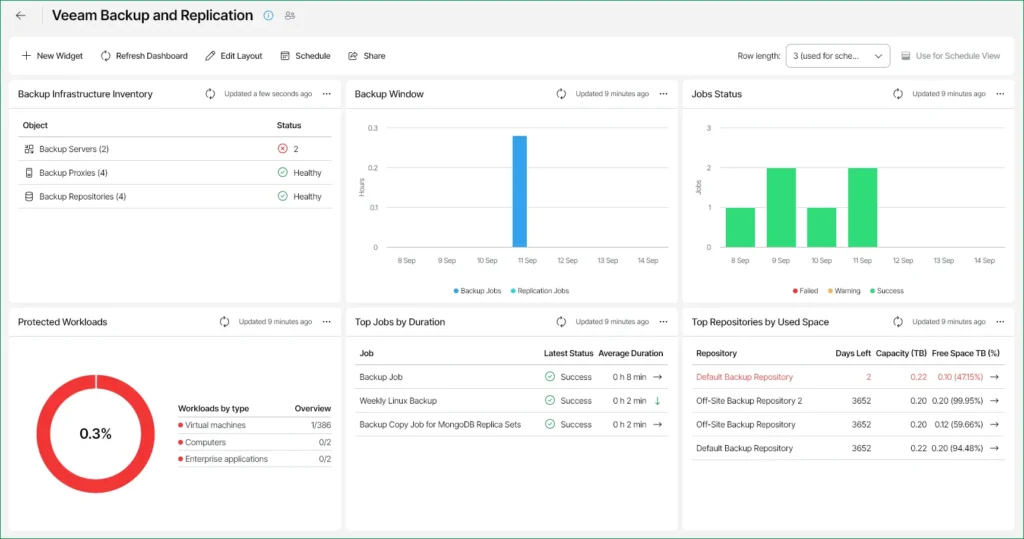
Hybrid and multi-cloud protection: Backup and recovery for supported workloads across data centers and public clouds.
Flexible recovery: Instant Recovery for supported workloads, alongside cross-platform recovery and migration options.
Ransomware resilience: Immutable storage options, malware detection, role-based access controls, and approval controls help protect backups from tampering.
Recovery verification: SureBackup can test supported machine backups in an isolated environment, including checks that applications start and respond.
Monitoring and orchestration: Higher editions add broader monitoring, analytics, and orchestrated recovery capabilities.
Some workloads require separate products. Microsoft 365, Salesforce, and Veeam Kasten for Kubernetes are purchased and licensed separately from Veeam Data Platform.
Features depend on the edition. Recovery orchestration is part of Premium; buyers should compare editions against their requirements.
Recovery testing needs configuration. Full SureBackup testing requires a virtual lab and appropriate application dependencies. It is not an automatic guarantee that every application will meet its RTO.
Veeam Data Platform pricing uses workload-based licensing, with Foundation, Advanced, and Premium editions. Veeam Universal License provides portability across supported virtual, physical, and cloud workloads.
Request a quote for your workload count and edition, and include backup storage and separately licensed products in the total cost. A 30-day trial is available.

2. Druva
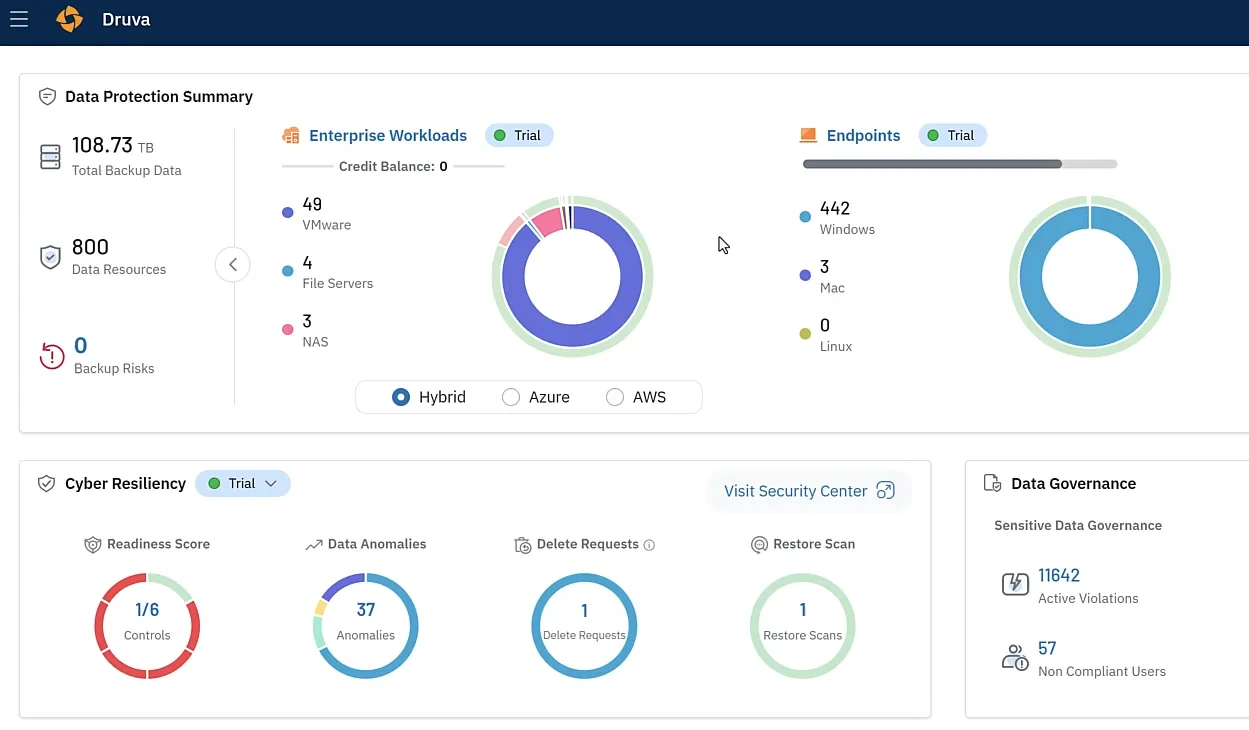
Among enterprise backup solutions, its main distinction is that Druva manages the underlying cloud backup infrastructure, reducing the infrastructure customers need to maintain.
Key capabilities
Centralized protection: Manages backup and recovery across supported virtual machines, databases, file servers, SaaS applications, and endpoints.
Immutable and logically air-gapped backups: Separates backup data from production environments, with retention controls to help prevent modification or deletion.
Cyber recovery: Offers capabilities including malware scanning, sandbox recovery, and recovery-point investigation. Availability depends on the workload and purchased package.
Granular recovery: Supports recovery of entire workloads or individual items, depending on the source. VMware options include full VM, file-level, and application-aware SQL recovery.
Governance: Provides data governance and compliance monitoring alongside backup management.
Limitations
SaaS does not mean no local components. VMware protection requires backup proxies, which need appropriate resources and connectivity.
Recovery options have prerequisites. For example, VMware Instant Restore requires eligible recovery points on a supported Linux Turbo Tier deployment.
Disaster recovery can add costs. Druva documents edition restrictions and additional AWS charges for its VMware-to-AWS disaster recovery workflow. Include these in your comparison.
Druva organizes plans by workload and also offers a SaaS Universal License, using unified per-user licensing for supported SaaS applications and identity workloads.
Request a quote covering your workloads, storage requirements, retention, and recovery features; the platform does not have one universal enterprise price.

3. Rubrik
Key Capabilities
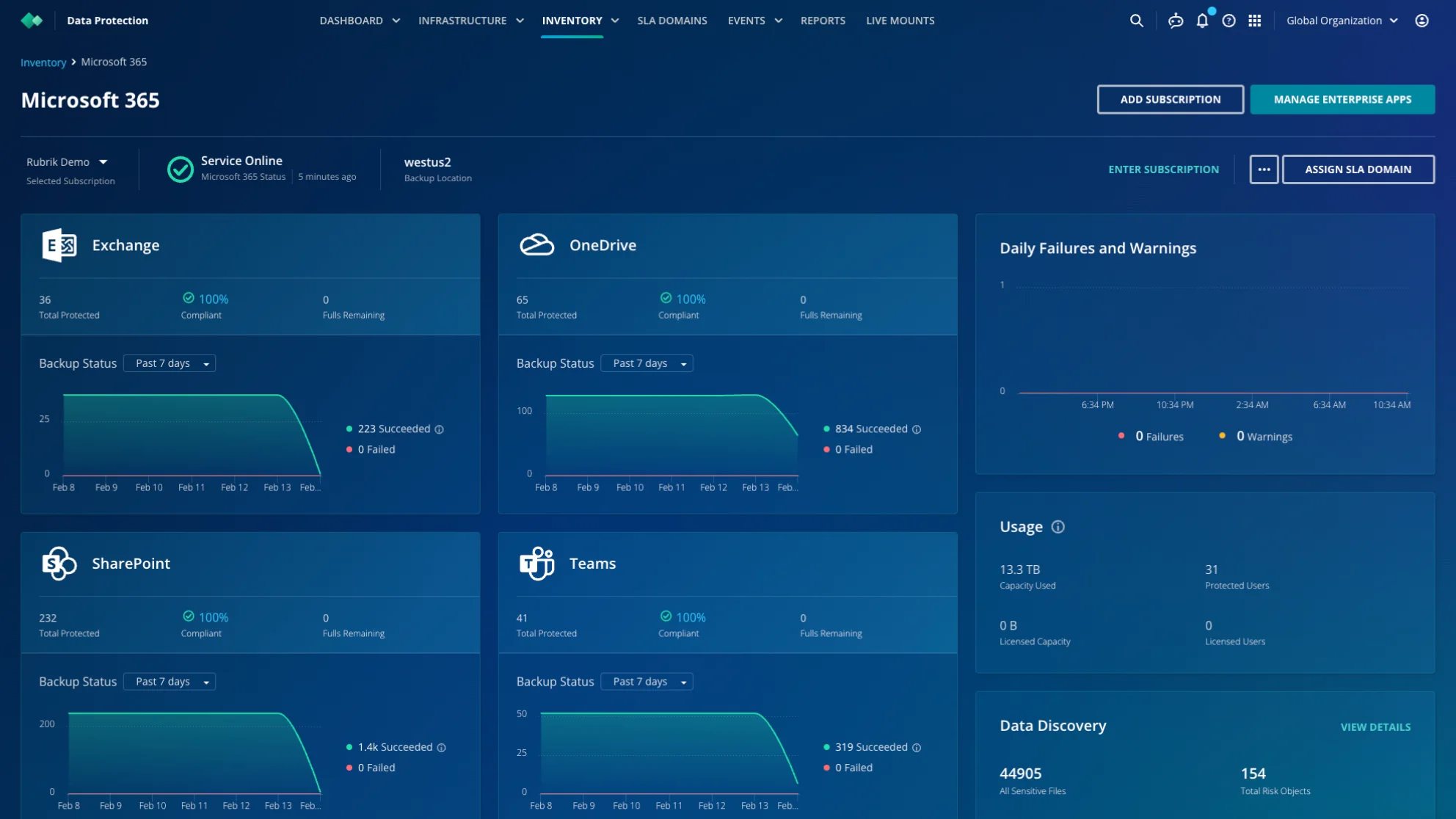
Policy-based protection: Uses SLA Domains to define backup frequency, retention, replication destinations, and archival locations.
Isolated backup storage: Rubrik Cloud Vault provides Rubrik-managed, immutable copies in a logically air-gapped environment.
Threat investigation: Offers anomaly detection and threat hunting to help identify affected data and investigate potentially clean recovery points.
Recovery testing and orchestration: Supports testing recovery plans in isolated environments, quarantining infected snapshots, and coordinating recovery workflows.
Granular recovery: Provides file, object, application, and system recovery options for supported workloads.
Limitations
Policy-based protection: Uses SLA Domains to define backup frequency, retention, replication destinations, and archival locations.
Isolated backup storage: Rubrik Cloud Vault provides Rubrik-managed, immutable copies in a logically air-gapped environment.
Threat investigation: Offers anomaly detection and threat hunting to help identify affected data and investigate potentially clean recovery points.
Recovery testing and orchestration: Supports testing recovery plans in isolated environments, quarantining infected snapshots, and coordinating recovery workflows.
Granular recovery: Provides file, object, application, and system recovery options for supported workloads.
Contact Rubrik for a quote. Its Enterprise Edition page describes a three-year subscription covering software and support but does not publish a standard price.
Request an itemized proposal covering your workloads, deployment, storage, and required cyber recovery capabilities.

4. Cohesity
Key Capabilities
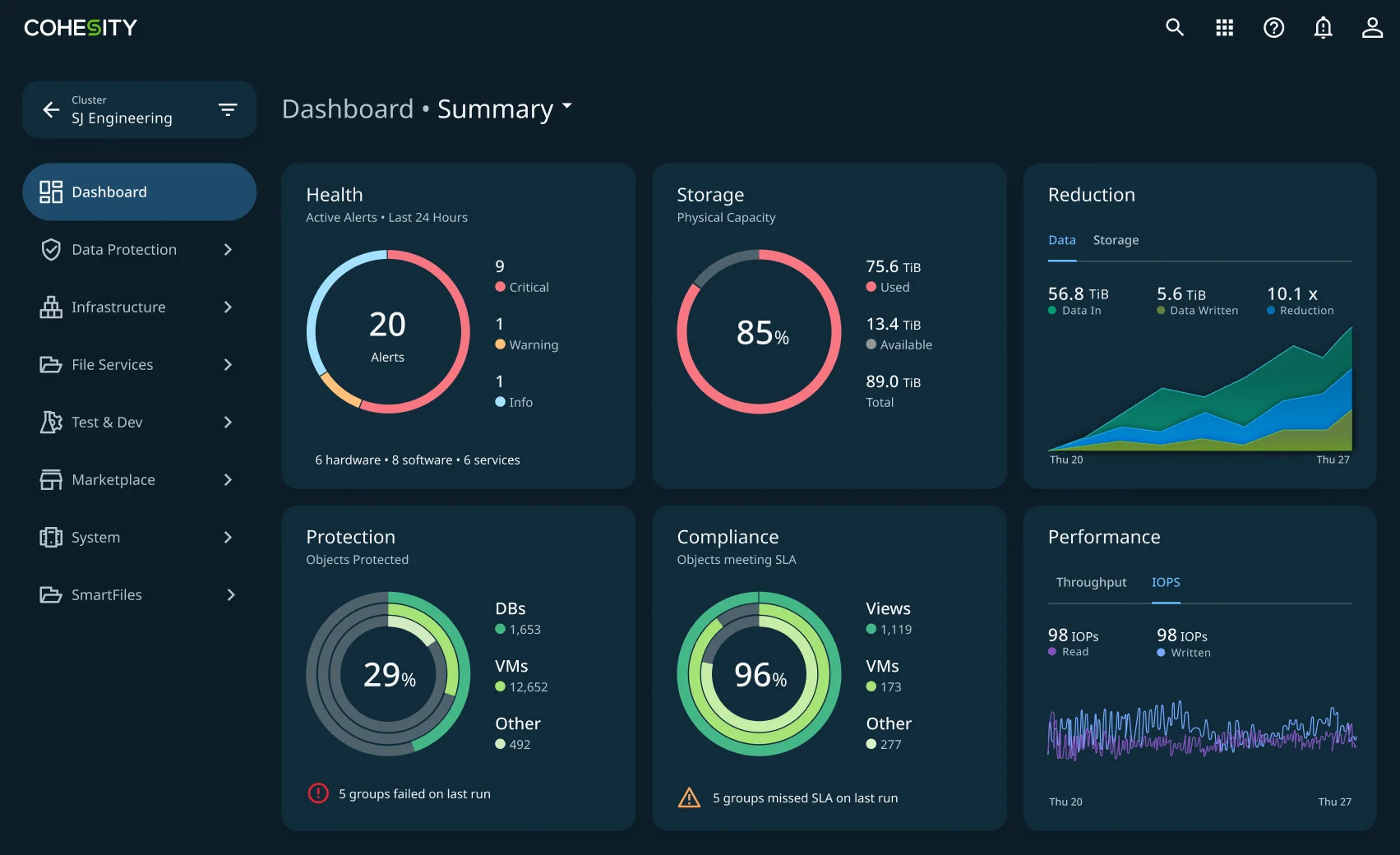
Broad workload protection: Supports virtual machines, databases, NAS, and selected cloud and SaaS workloads.
Centralized management: Provides shared visibility and policy-based protection across supported environments.
Backup security: Combines immutable snapshots, DataLock retention controls, encryption, MFA, and role-based access.
Search and recovery: Global search helps locate protected data, with granular recovery and mass restore options for supported workloads.
Storage efficiency: Built-in deduplication and compression reduce the storage consumed by backups.
Limitations
Deployment options differ. Self-managed and SaaS deployments have different workload coverage and recovery capabilities. Confirm support for your specific environment rather than relying on the platform-wide feature list.
Cyber vaulting is an add-on. FortKnox provides an additional isolated copy; it should not be assumed to be included with every DataProtect subscription.
Self-managed deployments require infrastructure planning. Software runs on certified platforms, so include infrastructure capacity and ongoing management in your evaluation.
Request a custom quote. Cohesity offers subscription licensing, with one-, three-, and five-year terms for its Data Cloud packages. Backup-as-a-service pricing can use front-end or back-end capacity, depending on the offering.
Ask which capacity measure applies and whether replication, cyber vaulting, and infrastructure are included.

5. Acronis
Key Capabilities
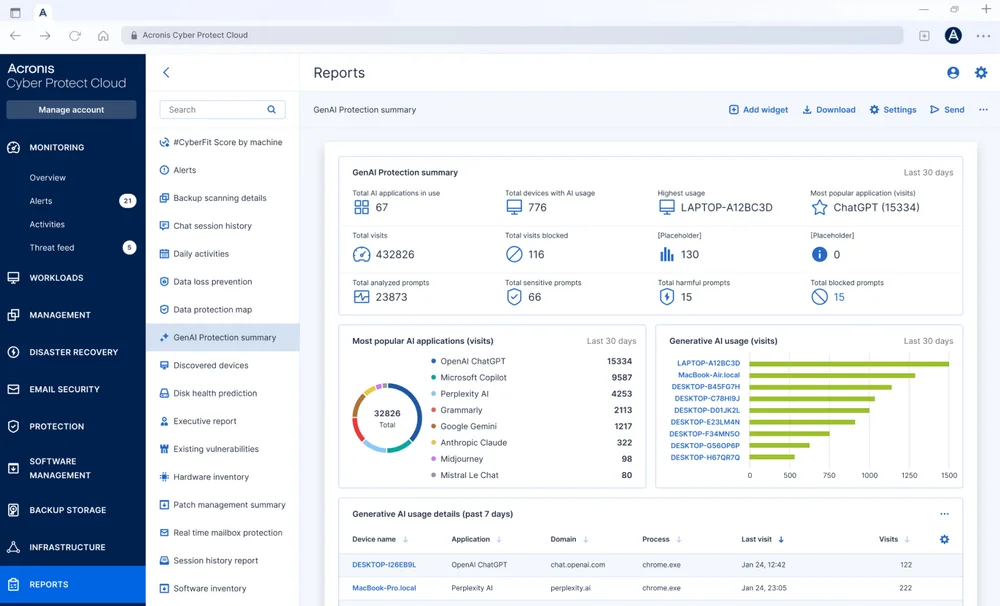
Flexible backup methods: File, disk, and image-based backups, with application-aware protection for supported applications.
Broad workload coverage: Supports physical systems, virtual environments, selected cloud VMs, Microsoft 365, and Google Workspace.
Protected recovery points: Combines encryption, supported immutable storage, backup scanning, and validation.
Integrated security: Active Protection helps detect and block ransomware on supported workloads. Safe Recovery incorporates malware updates and patches into supported recovery workflows.
Disaster recovery: Uses eligible image-based backups to launch recovery servers, with runbooks, isolated failover testing, and failback capabilities.
Limitations
Backup coverage does not equal DR coverage. Disaster recovery requires eligible image-based backups and supported server configurations.
Continuous protection has a defined scope. It captures changes to selected local files and folders, including files modified by specified applications, on supported Windows NTFS systems. It does not continuously replicate every protected workload.
Storage choices affect functionality. For example, Microsoft 365 Backup Storage and Acronis Cloud differ in retention, granular recovery, and recovery destinations.
Pricing depends on the product, licensing model, and delivery arrangement. Service-provider backup licensing can be workload-based or consumption-based; IT departments can purchase cloud storage through capacity subscriptions.
Disaster recovery adds applicable licensing, storage, active compute, and optional public IP charges. Tests also consume compute resources, so include recovery drills in your estimate.

The Cloud Cost Gap Beyond Backup Optimization
Enterprise backup solutions can help control the cost of protecting data through capabilities such as compression, deduplication, retention policies, and storage tiering. But an efficient backup environment is only one part of an efficient cloud bill.
The five platforms address different protection needs: Veeam combines backup with recovery verification; Druva manages backup infrastructure as a SaaS service; Rubrik connects protection policies with cyber recovery; Cohesity centralizes backup management and storage efficiency; and Acronis combines backup, cybersecurity, and disaster recovery.
Their capabilities can support cost control, but the broader environment still needs attention.
What Else Needs to Be Optimized?
Start by separating the spending into three areas:
| Cost area | What to review |
|---|---|
| Backup and retention | Required retention periods, duplicate copies, storage tiers, licensing, and protected capacity. |
| Recovery infrastructure | Replication, standby resources, recovery tests, restored-resource runtime, and transfer charges. |
| Ongoing production workloads | Resource sizing, idle capacity, and commitment discounts for eligible compute and database usage. |
Once teams have reviewed resource sizing and identified the usage they expect to retain, commitment management becomes another opportunity. Eligible workloads may qualify for lower rates through Savings Plans, reservations, or committed use discounts.
At Usage.ai, we automate commitment management across AWS, Azure, and Google Cloud. This complements enterprise backup solutions by addressing eligible cloud spending alongside the organization’s protection strategy.
The scope matters: commitment discounts apply to qualifying usage, so backup storage, retrieval, transfer, and software charges must be evaluated separately.
Which Enterprise Backup Solution Should You Choose?
Shortlist enterprise backup solutions around your workloads, recovery targets, and preferred management model:Veeam: For hybrid environments that need flexible recovery options and backup verification.
Druva: For teams that prefer a fully managed SaaS approach to backup infrastructure.
Rubrik: For organizations prioritizing threat investigation and coordinated cyber recovery.
Cohesity: For enterprises consolidating backup management across large, mixed environments.
Acronis: For teams seeking integrated backup, endpoint security, and disaster recovery.
Usage.ai complements your backup strategy by optimizing commitments for eligible cloud spending.
Explore how Usage.ai manages commitments across AWS, Azure, and Google Cloud to reduce eligible cloud costs
Frequently asked questions
What is the 3-2-1 rule for backing up?
The 3-2-1 rule means keeping at least three copies of your data: the production copy and two backups. Store the copies on two different types of media, with at least one backup offsite. This reduces the risk of a single failure destroying every copy.
Which vendors offer enterprise backup solutions?
Veeam, Druva, Rubrik, Cohesity, and Acronis are five options covered in this guide. They offer different combinations of backup, recovery, security, and management capabilities. AWS, Azure, and Google Cloud also provide native backup services for supported workloads.
Which is the best enterprise backup solution?
The best enterprise backup solutions depend on your workloads, recovery targets, and management preferences. Use this guide to build a shortlist, then ask each vendor to demonstrate a representative restore. Compare required features, deployment prerequisites, and total costs before choosing.
How can enterprises reduce backup costs without weakening protection?
Review duplicate copies, protected capacity, storage tiers, and retention periods against business and compliance requirements. Include licensing, replication, retrieval, and restore testing in the comparison. Validate that any changes still meet recovery targets before applying them broadly.
Can Usage.ai reduce cloud costs alongside enterprise backup solutions?
Yes. At Usage.ai, we manage commitments for eligible AWS, Azure, and Google Cloud usage alongside your backup strategy. This addresses qualifying cloud workload costs. Backup storage, retrieval, transfer, and software charges still need a separate cost review.